
To get to the user management of an FTP oder SFTP server you need to swith to the partner base menue „52" of the i-effect main menueand choose the code number 12 before the server.
Options to the dialogue programm
To edit the entries you have different options to choose. Those can be entered in the relevant selection box before the desired line.The following overview provides the basic functions of the dialogue programm. A detailed description of the individual options is also included.
|
Add (option F6) |
Use option F6 (function key F6) to add a new entry |
|
Change (option 2) |
To change an entry, use option 2 in the corresponding choice box |
|
Copy (option 3) |
To copy an existing entry to a new ID, use option 3 in the corresponding choice box |
|
Delete (option 4) |
To delete an entry, use option 4 in the corresponding choice box |
|
Display (option 5) |
To display an entry, use option 5 in the corresponding choice box |
|
Address filter (option 10) |
todo |
|
Benutzerrechte (option 12) |
todo |
Details: F6=addition, 2=change 5=display
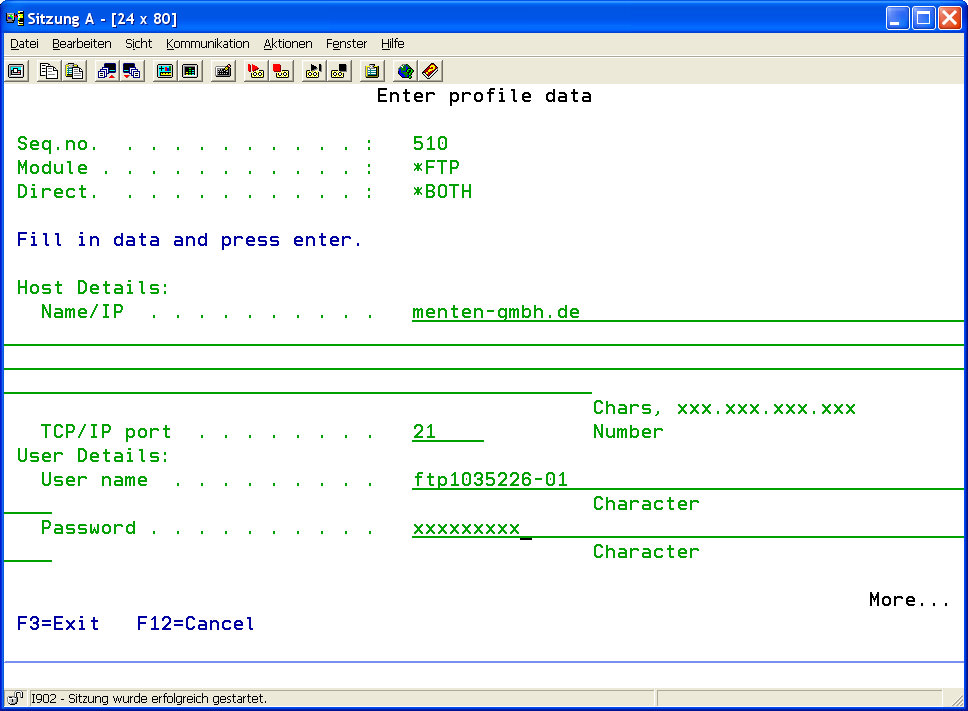
By using selection F6,code number 2 or code number 5 (to add, to change or to display the address filter) you receive the following displays.
|
user ID |
The entry assigned zugeordnete serial number |
|
user |
The explicit name of the user. |
|
password |
The password of the user to login at the server. |
|
login limit |
States the amout of loings through the user. The navigation in the data system and any data connection (download/upload) counts as a login. The special value *NOMAX does not comply to a limit. |
|
login limit via IP |
"States the amount of logins through the user of one address."
|
|
activate user |
The user can be deactivated with this parameter without losing any settings. |
|
Upload via data |
States - in Bytes per seconds - how fast the upload speed of every data can be.
|
|
Download via data |
States - in Bytes per seconds - how fast the download speed of every data can be.
|
|
user is the admin |
States if the user has admin rights. More information can be queried - with SITE DESCUSER, SITE STAT and SITE WHO - under FTP. |
|
avoid server login limit |
Gives the user the opportunity to login altough the user limit on the server has been reached. |
|
maximum idle time |
States the time in seconds that a user can be idle before the connection will be disconnected.
|
|
home index |
Path to the home indes of the user. |
|
description |
In this parameter you can state a short description for the given FTP server. This description is of purely informal character so that it can be choosed by you. |