
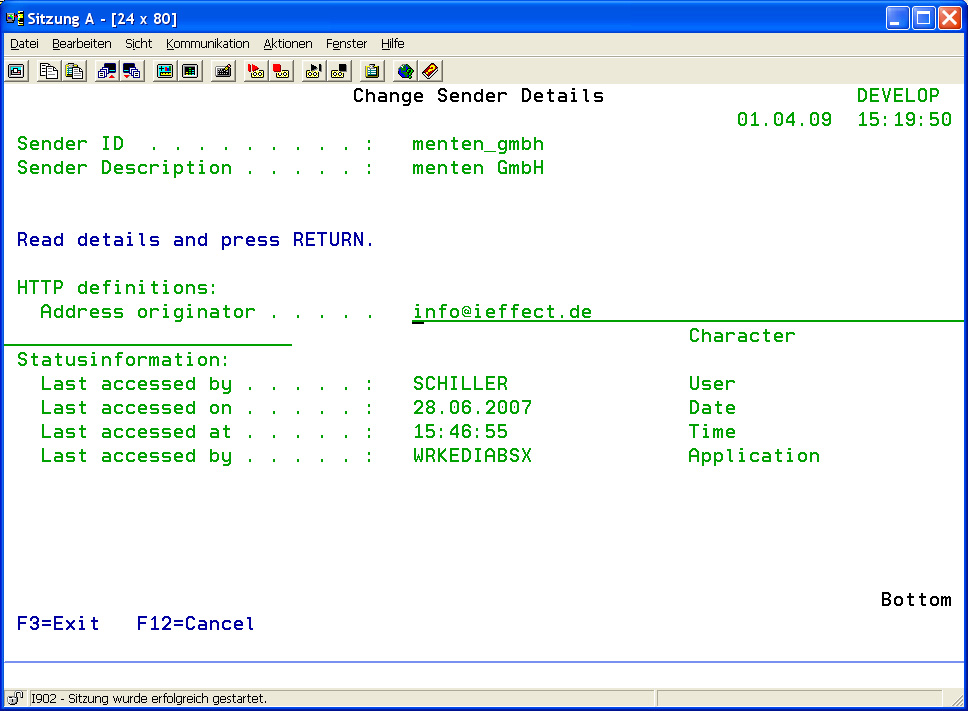
To reach the menu where an HTTP sender partner can be added, select menu item 51 in the i-effect main menu. A list of existing sender partner entries will appear. Press F6 to call up the menu where a new sender partner can be added. Enter a unique ID/name and a description for the sender partner. Press enter and the new entry appears on the list. To change the entry, use option 2 in the corresponding choice box and scroll down to HTTP definitions.
|
Originator Address |
Enter a sender email address that is inserted as sender address into HTTP header. |