Choose the processing type *CRYPT from the display "Add Server Entry to the Processing Table".
Press enter and the following display will appear:
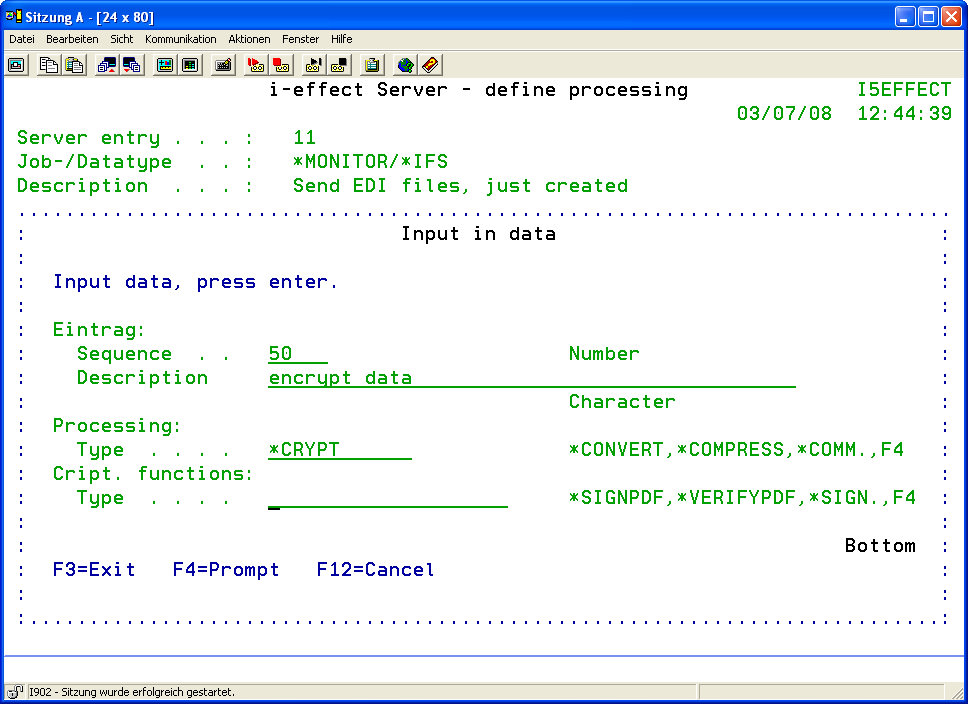
Press function key F4 to determine the cryptographic functions:
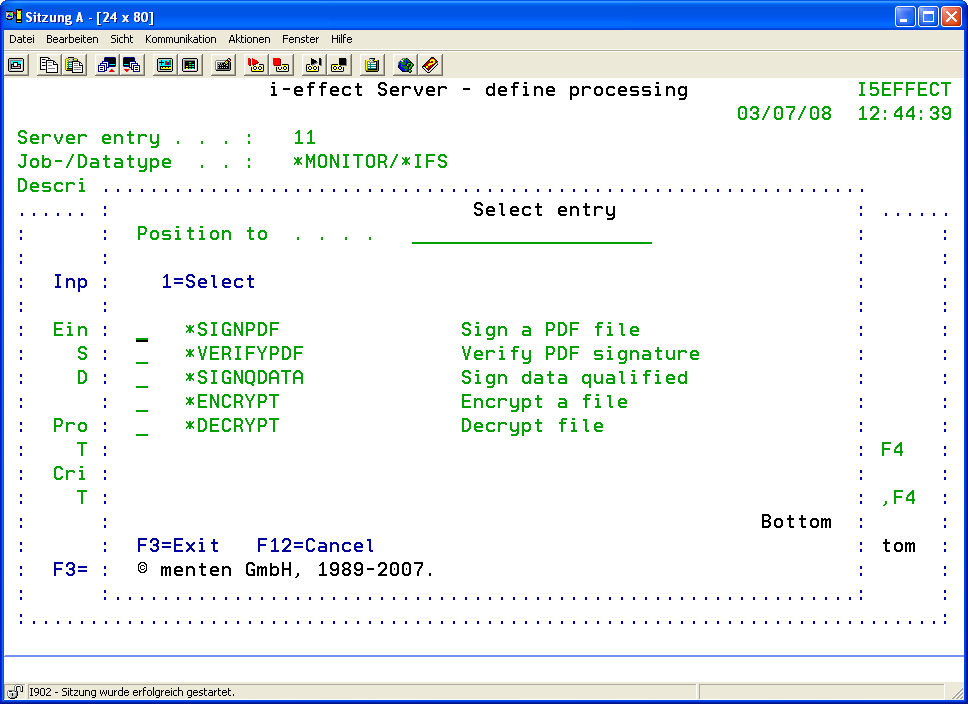
The following functions are available:
|
*SIGNPDF |
Choose this option to sign PDF files. |
|
*VERIFYPDF |
Choose this option to verify signed PDF files. |
|
*SIGNQDATA |
Use this option to give the desired files a qualified signature. |
|
*ENCRYPT |
Use this option to encrypt files. |
|
*DECRYPT |
Use this option to decrypt files. |
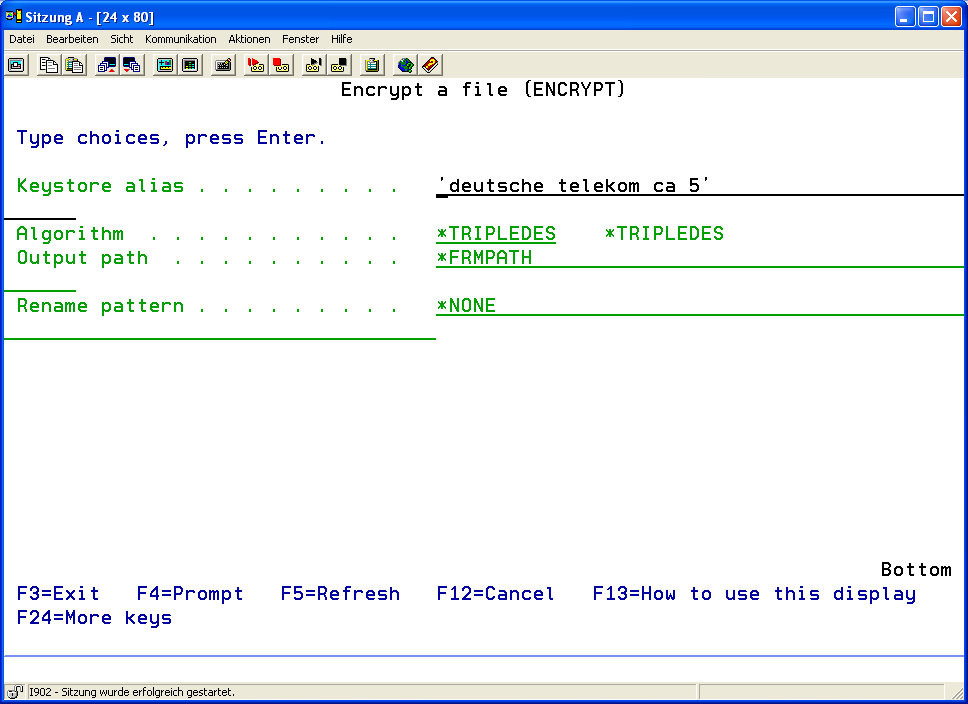
If the *ENCRYPT function has been chosen, the following display will appear: