
We recommend that you enable the SSL protocol for the ZendServer. You can find instructions here: Setting up SSL for ZendServer
If ZendServer is to be reinstalled under IBM i 7.4, ZendServer 2019 must be used, as old ZendServer versions cannot be installed. In this case you need a special WebControl version for PHP 7.2, which you can get from us on request (support@menten.com).
Download ZendServer
The ZendServer is required for installing WebControl on your IBM i. Please install the ZendServer version for PHP version 5.6
ZendServer (PHP 5.6) version 8.5.13 (download link from Zend)
Alternatively you can download an installation package from this address: https://fileshare.menten.com/?hash=58266fc55ff0f34d9b5ffb49c05188ef
Installing ZendServer
For installation, the backup file of the downloaded package (zsvrsavf6.savf) must be transferred to the IBM i. It can be stored in the temporary directory (/tmp), for example.
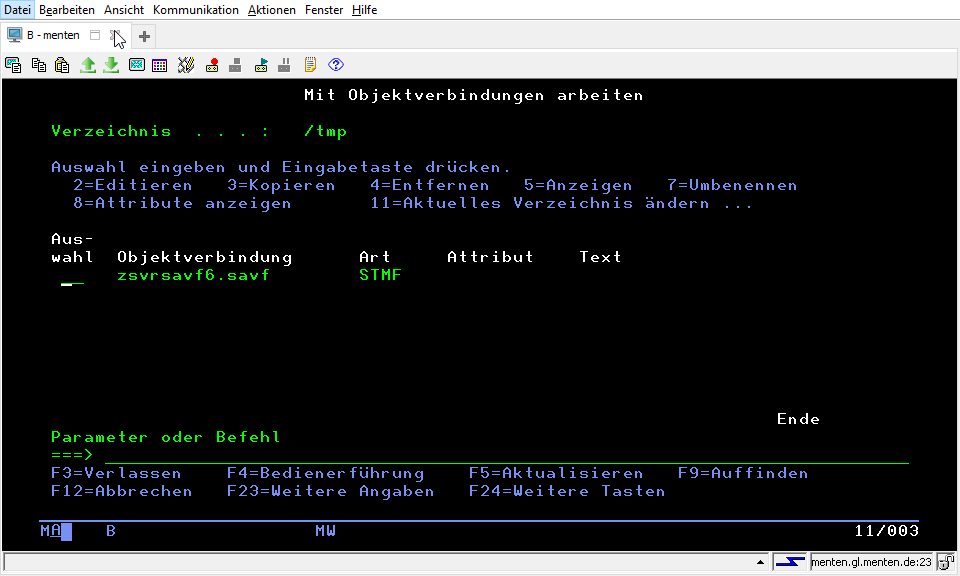
Then create a SAVF and copy the data into the save file:
CRTSAVF FILE(QGPL/ZSVRSAVF6)

CPYFRMSTMF FROMSTMF('/tmp/zsvrsavf6.savf')
           TOMBR('/qsys.lib/qgpl.lib/ZSVRSAVF6.file')
           MBROPT(*REPLACE)
Adjust the installation job to the country-specific environment:
In a German environment:
CHGJOB LANGID(DEU) CNTRYID(DE) CCSID(273)
In an English setting:
CHGJOB LANGID(ENU) CNTRYID(US) CCSID(37)
Check environment variable
The environment variable QIBM_USE_DESCRIPTOR_STDIO must not exist at the *JOB/*SYS level. Enter the following commands and remove the environment variable if necessary:
WRKENVVAR LEVEL(*SYS)
WRKENVVAR LEVEL(*JOB)
Starting installation
Start the restore of the license program by entering the following command:
RSTLICPGM LICPGM(6ZSVRPI)
          DEV(*SAVF)
          SAVF(QGPL/ZSVRSAVF6)
Read the license agreements and confirm with ENTER.
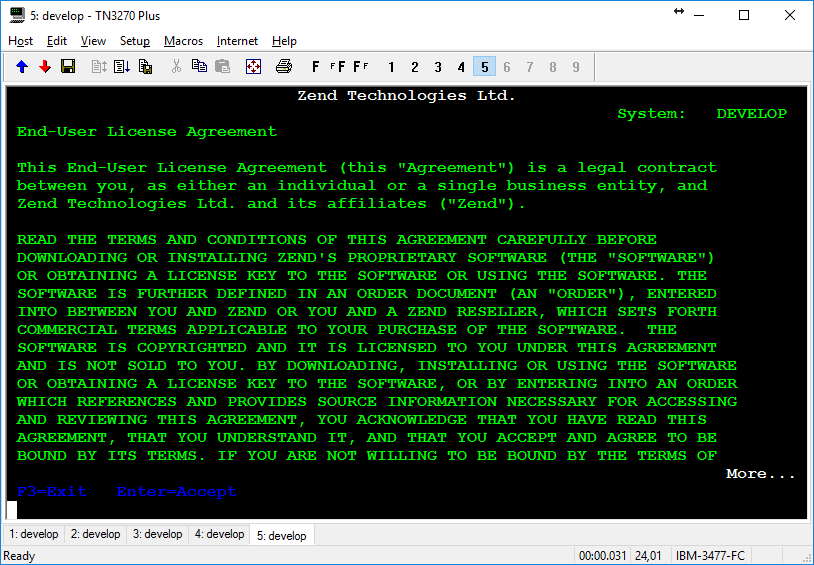
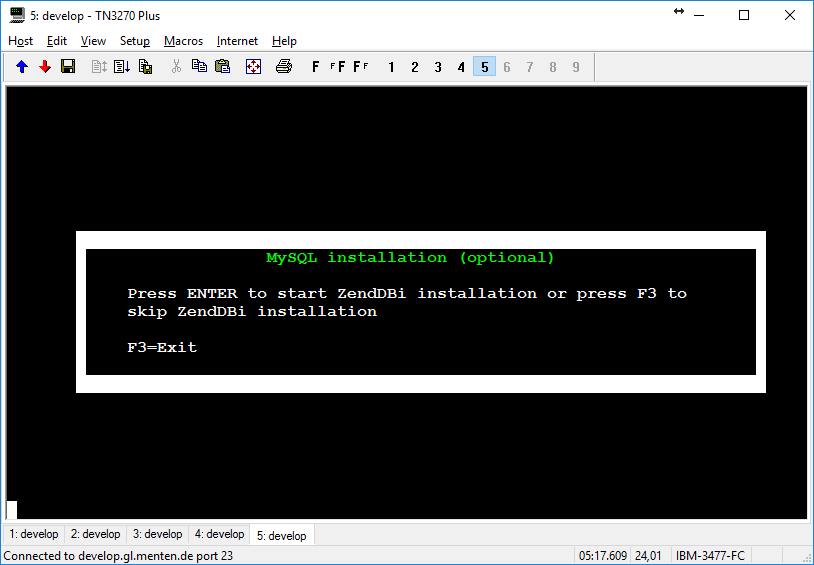
Do not install MySQL - press F3
To complete the installation (ENTER or F3)
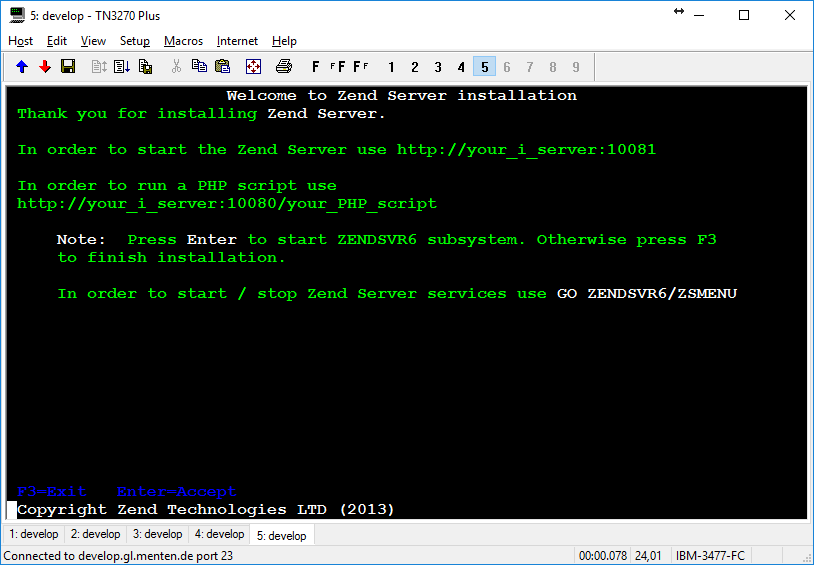
Starting ZendServer Services
By starting the subsystem, the required services are started.
STRSBS SBSD(ZENDSVR6/ZENDSVR6)
Configure ZendServer
Log in to the ZendServer interface. To do this, enter the following address in your browser. <SERVERNAME> with the name or IP address of the IBM i server:
http://<SERVERNAME>:10081/ZendServer/login
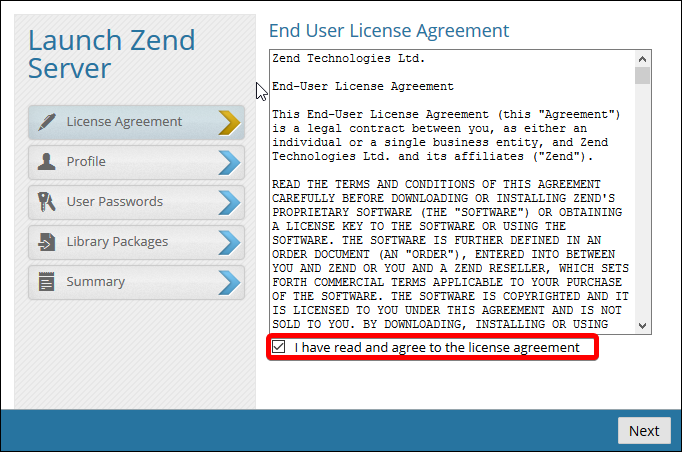
Read the license agreements and accept them by checking the appropriate box.
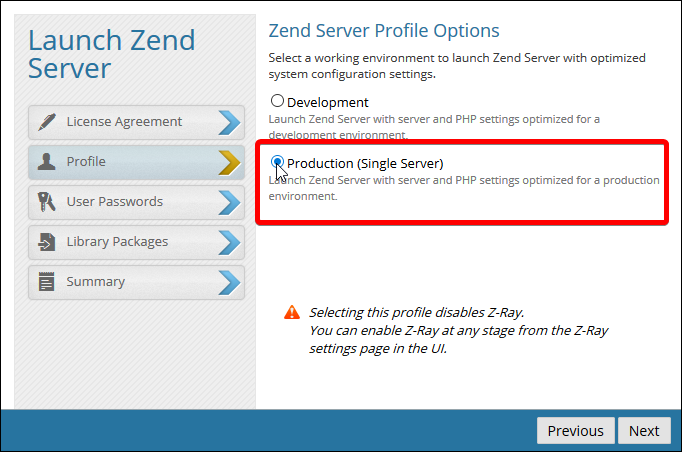
Select Production (Single Server).
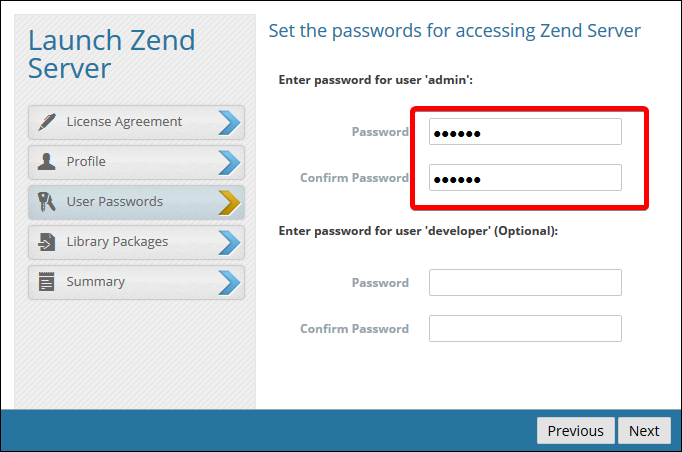
Set a password (for later login to the ZendServer web interface)
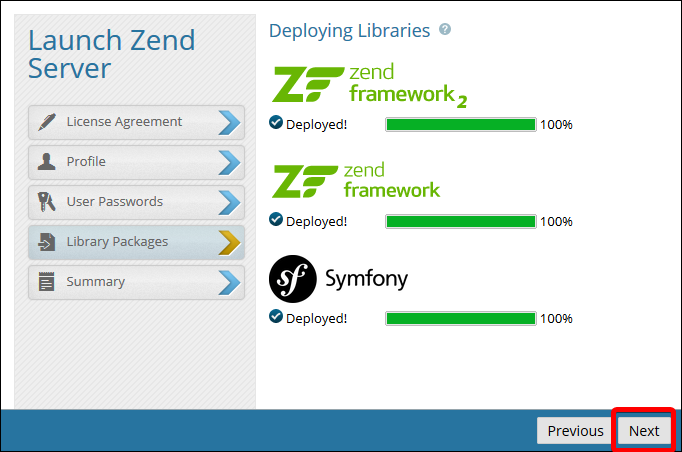
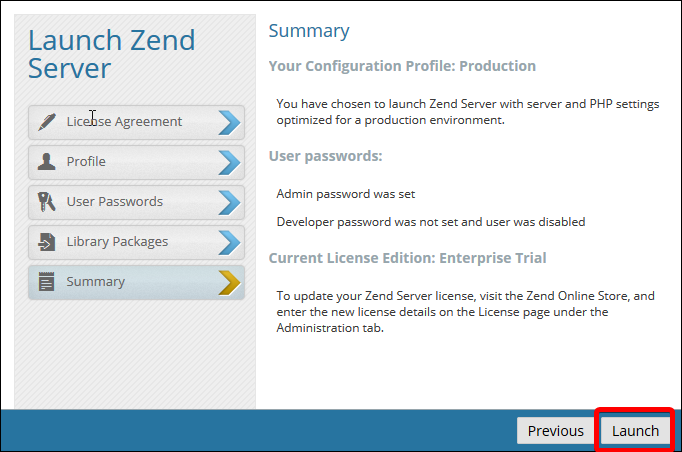
Start the ZendServer by clicking Next and then clicking Launch.
Activate license usage
According to the ZendServer license terms, use is only allowed with a valid license. To apply for such a free license, proceed as follows.
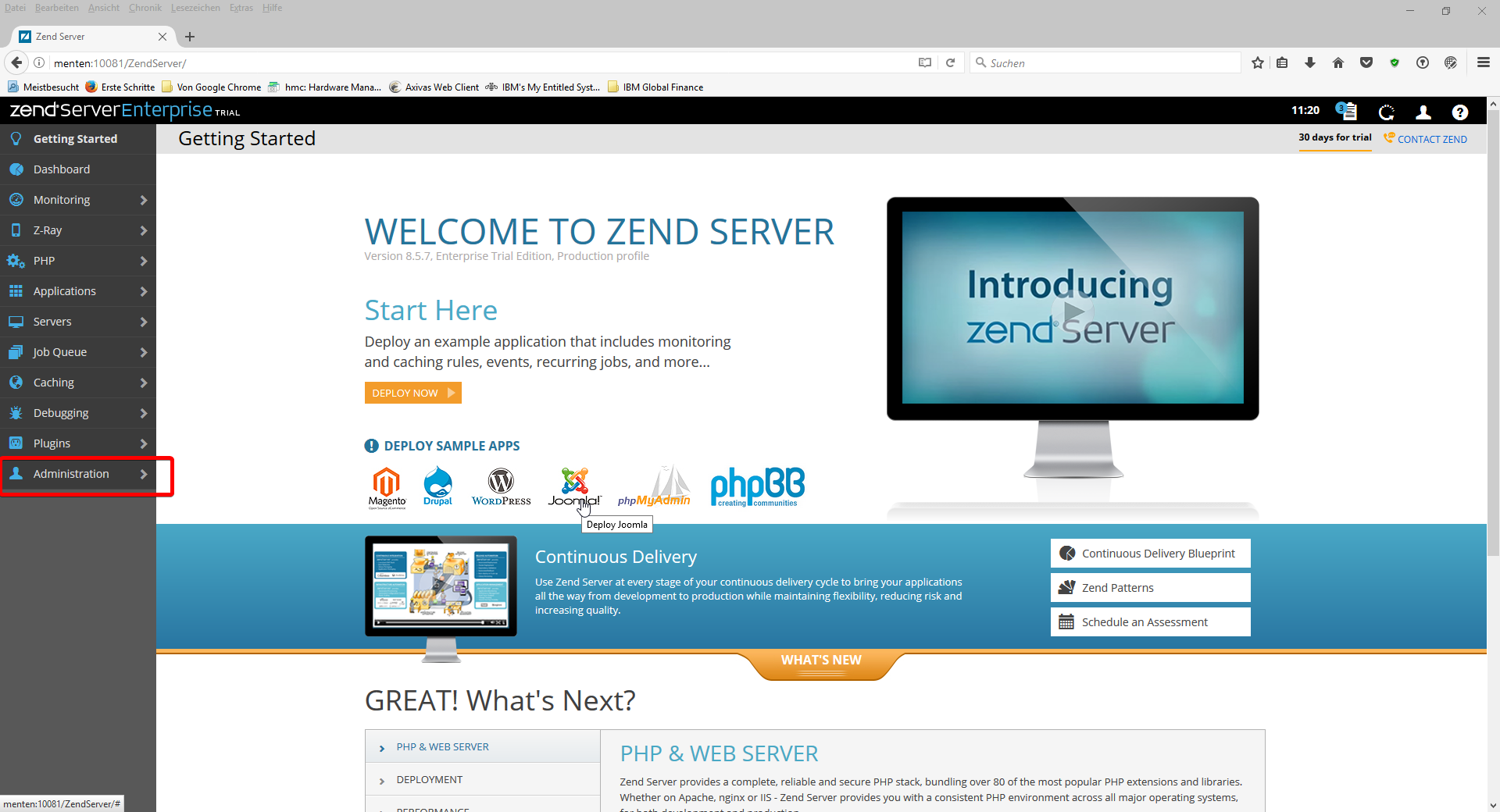
In the displayed administration interface, select the menu item for managing licenses.
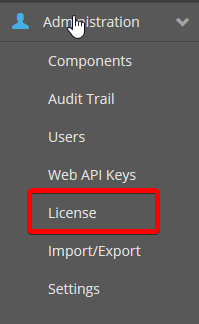
Activate the basic license (free for IBM i).
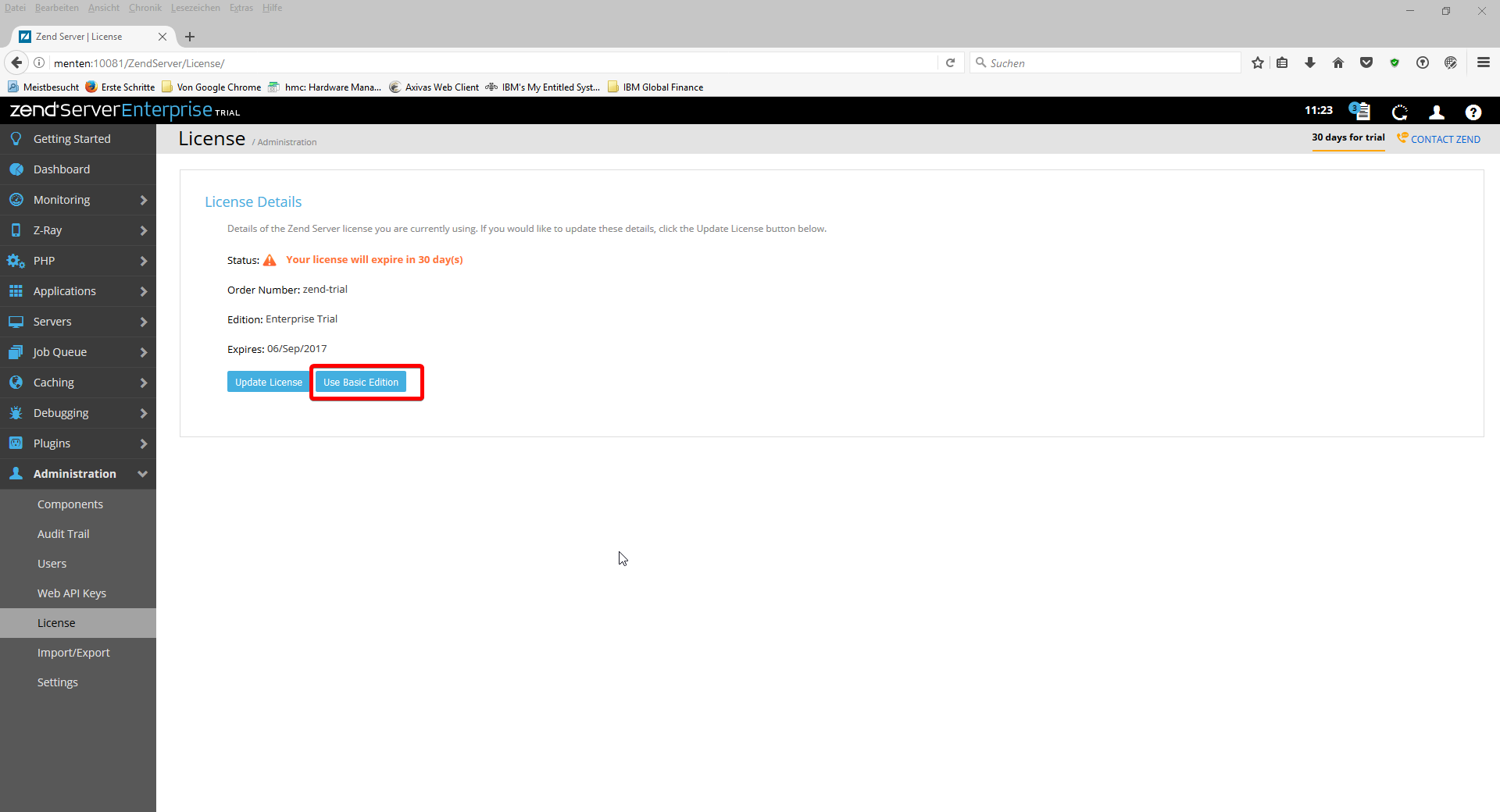
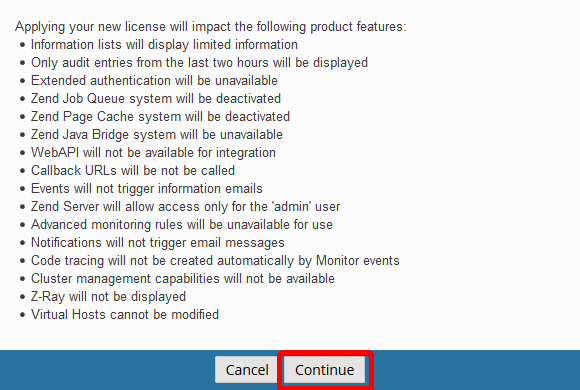
Accept the limitations of the basic version.
Fill out the displayed form:
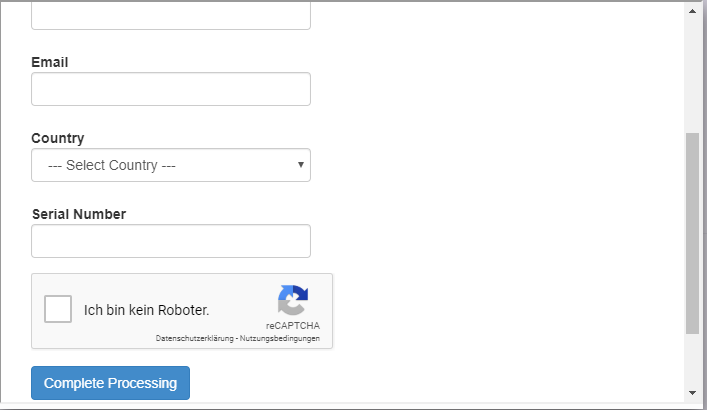
Enter the serial number of the system and click on Complete Processing.
The serial number can be displayed by entering the following command:
DSPSYSVAL SYSVAL(QSRLNBR)
After successful application the license is displayed in the lower part of the form.
(Warning) Make a note of the displayed license data.
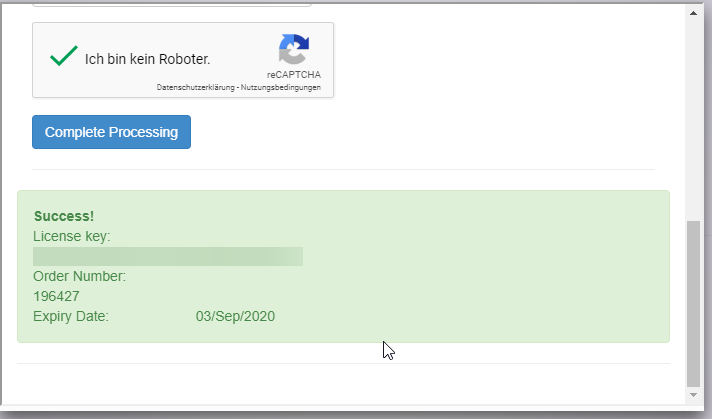
After updating the page, the license can be entered by clicking the Update License button
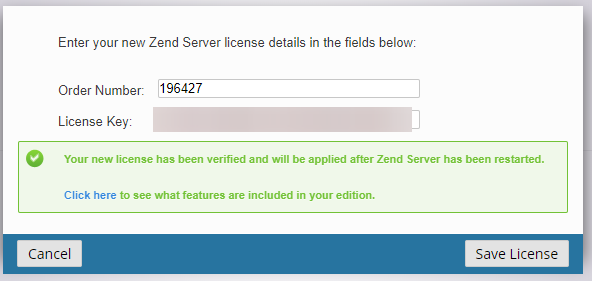
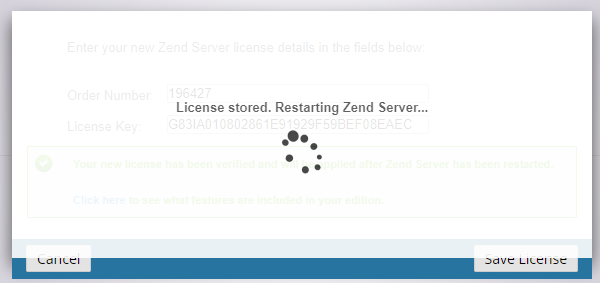
Click the Save License button to activate the license and restart ZendServer.

An official installation guide for ZendServer 8.5 from Zend can be found here
Please note the required PTF: http://files.zend.com/help/Zend-Server-IBMi/zend-server.htm#i5_installing_zend_server.htm