
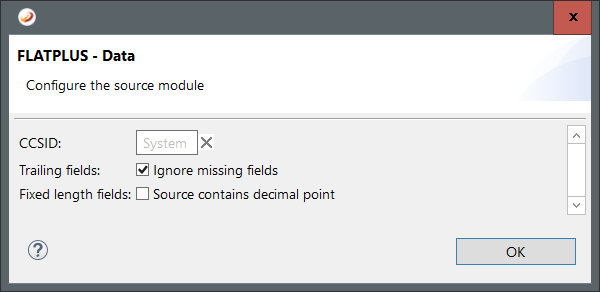
The following options are available for FLATPLUS as source:
CCSID: Specify the codepage that will be used to read the source file.
Trailing fields: Select this option if missings fields at the end should not result in an error.
Fixed length fields: Select this option and the Mapper will expect a decimal separator for fixed length fields in the source file.
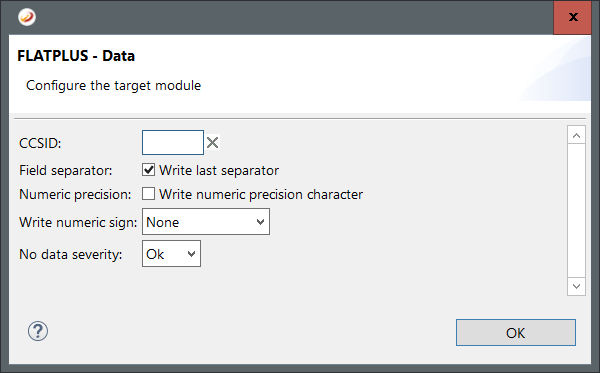
The following options are available for FLATPLUS as target:
CCSID: Specify the codepage that will be used to save the target file.
Field separator: Select this option to write the last field separator. So that the field will end with the field separator and the segment separator.
Numeric precision: Select this option to write the numeric precision character into numeric fields.
Write numeric sign: Select the numeric fields that will have the positive a sign. The negative sign will always be written.
No data severity: Select the error log level if no data is mapped and no file was created.