
CSV as source
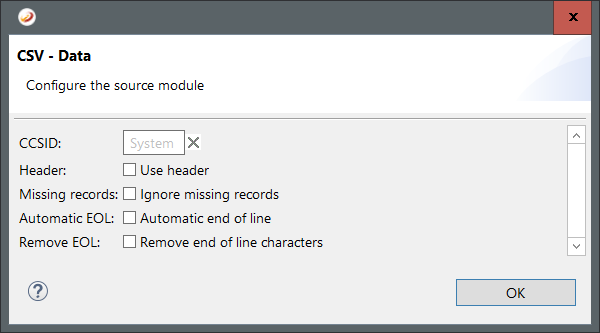
The following options are available for CSV as source:
CCSID: Specify the codepage that will be used to read the source file.
Header: Select this option if the first line contains headers that can be ignored.
Missing records: Select this option if missings fields should not result in an error.
Automatic EOL: Select this option to insert end of line characters automatically.
Remove EOL: Select this option to ignore end of line characters.
CSV as target
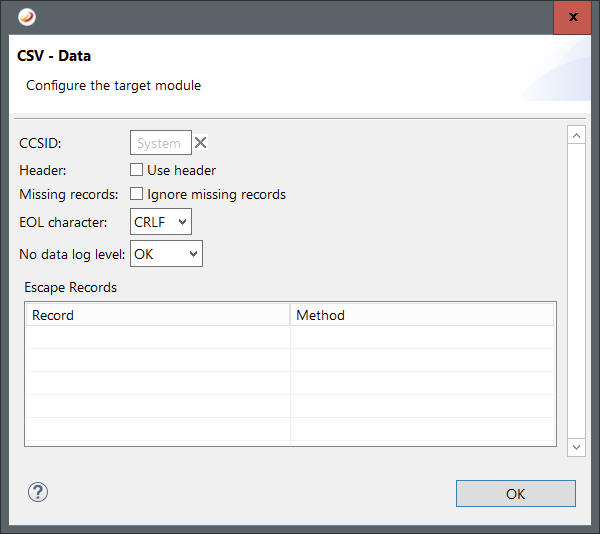
The following options are available for CSV as target:
CCSID: Specify the codepage that will be used to save the target file.
Header: Select this option if the first line contains headers that should not validated.
Missing records: Select this option if missings fields should not result in an error.
EOL character: Select the end of line character.
No data log level: Select the log level for missing data.
The table Escape Records lists all fields that are always or never escaped. Escaped fields are written in quotes - or rather in the quote character that is defined in the specification.