EDIFACT as source
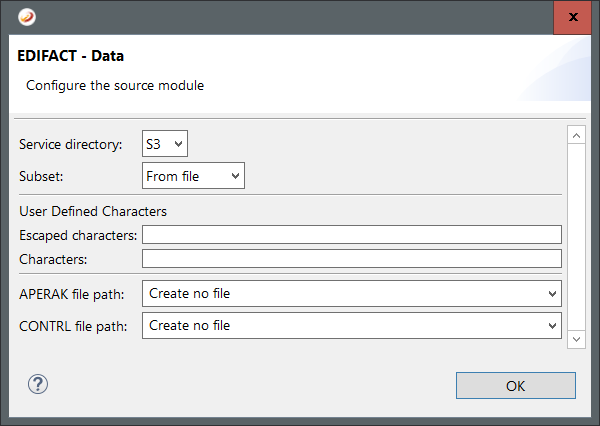
The following options are available for EDIFACT as source:
Service directory: Select the edifact service directory version.
Subset: Select the edifact subset.
Escaped characters: Insert additional escaped characters.
Characters: Insert additional characters.
APERAK filepath: Insert a path to create an APERAK message.
CONTRL file path: Insert a path to create a CONTRL message.
EDIFACT as target
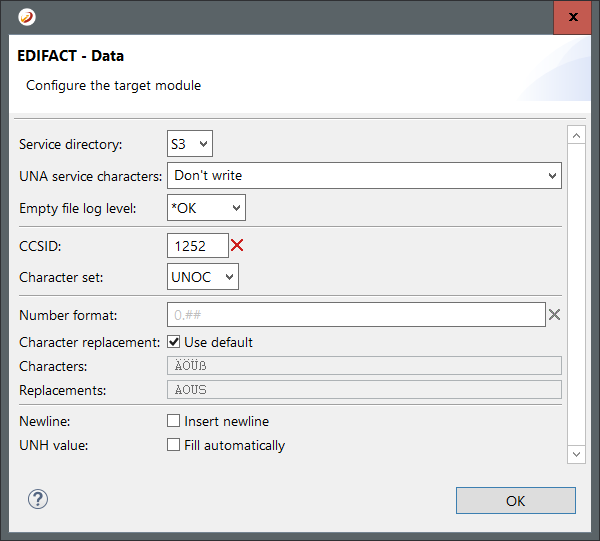
The following options are available for CSV as target:
Service directory: Select the edifact service directory version.
UNA service characters: Insert the the characters that are used as UNA service characters.
Empty file log level: Select the log level for an empty file.
CCSID: Specify the codepage that will be used to save the target file.
Character set: Select the edifact character set.
Number format: Insert the format for numbers.
Character replacement: Select this option to use the standard character replacements in the target file.
Characters: Insert the characters you want to replace.
Replacements: Insert the characters that will replace the characters from option Characters.
Newline: Select this option to insert an end of line character after each element.
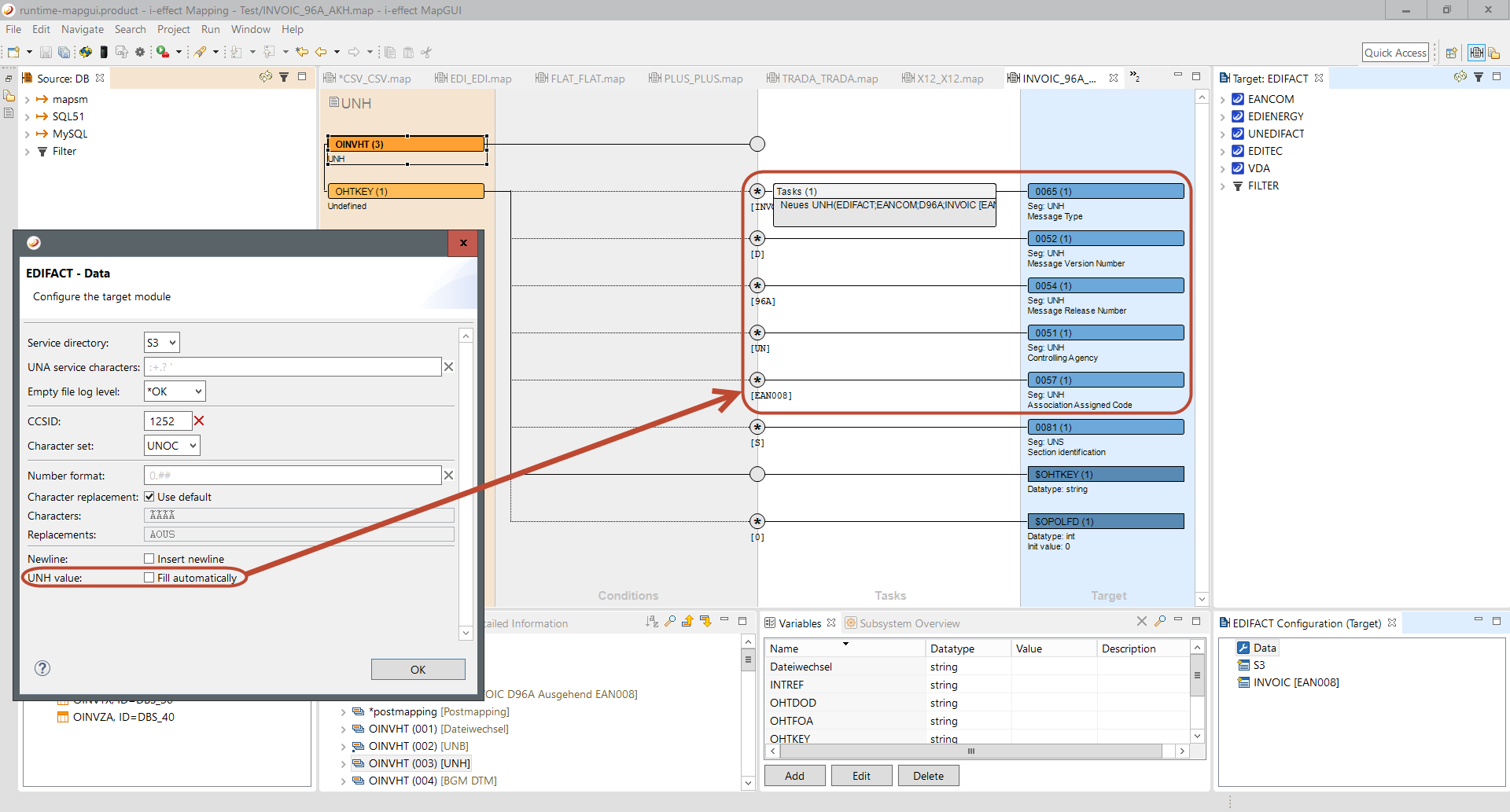
UNH value: Select this option to fill the UNH values automatically. For details see below.
UNH fill automatically
|
0065 |
Message type |
|
|
0052 |
Message version number |
|
|
0054 |
Message release number |
|
|
0051 |
Controlling agency, coded |
Distinguish UN and EN |
|
0057 |
Association assigned code |
Is inserted if 0051 has the value EN |