
There is an icon in the control list, which allows you to display a menu with all installed i-effect subsystems: See also the chapter control bar.
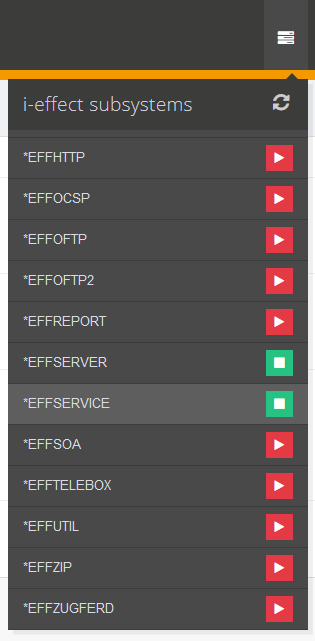
It shows in a scrollable list all installed subsystems and their status. Started systems have a green status, finished a red status.
In addition, the status can be changed by clicking on the status display.
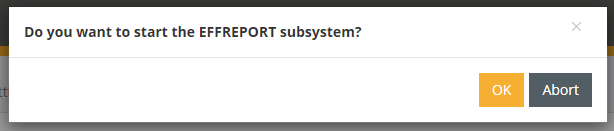
On termination, the subsystems are terminated in a controlled manner.
The subsystem status is updated automatically every 5 minutes, but the status can also be updated directly via the small button at the top right of the menu.