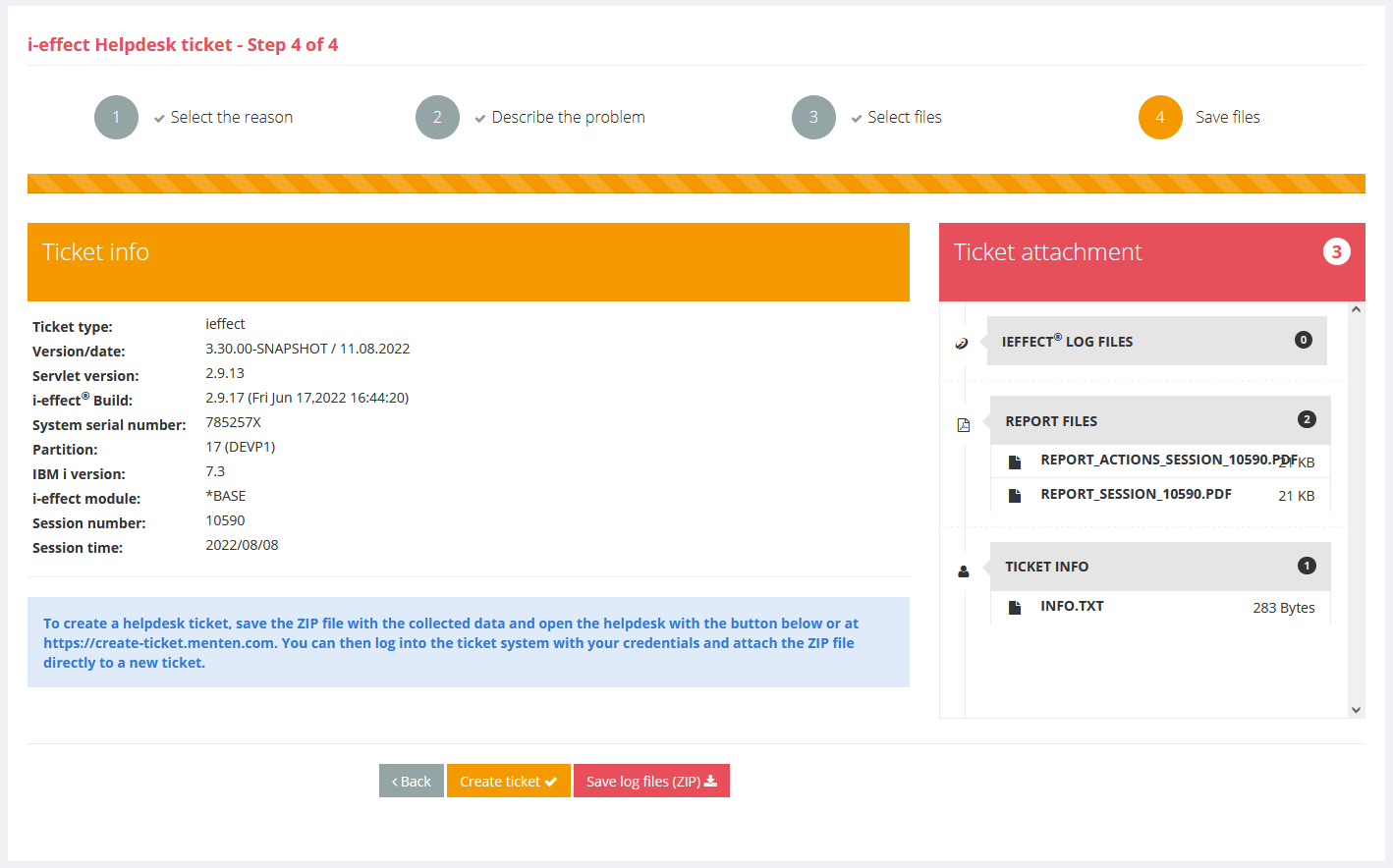
On the Helpdesk page, support information for i-effect or WebControl can be compiled and saved in a ZIP file
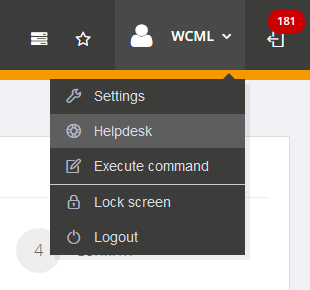
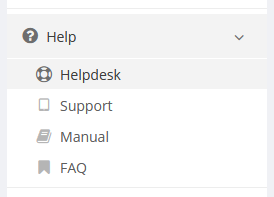
The helpdesk is accessed via the menu at the top right or via the Help section in the navigation on the left.
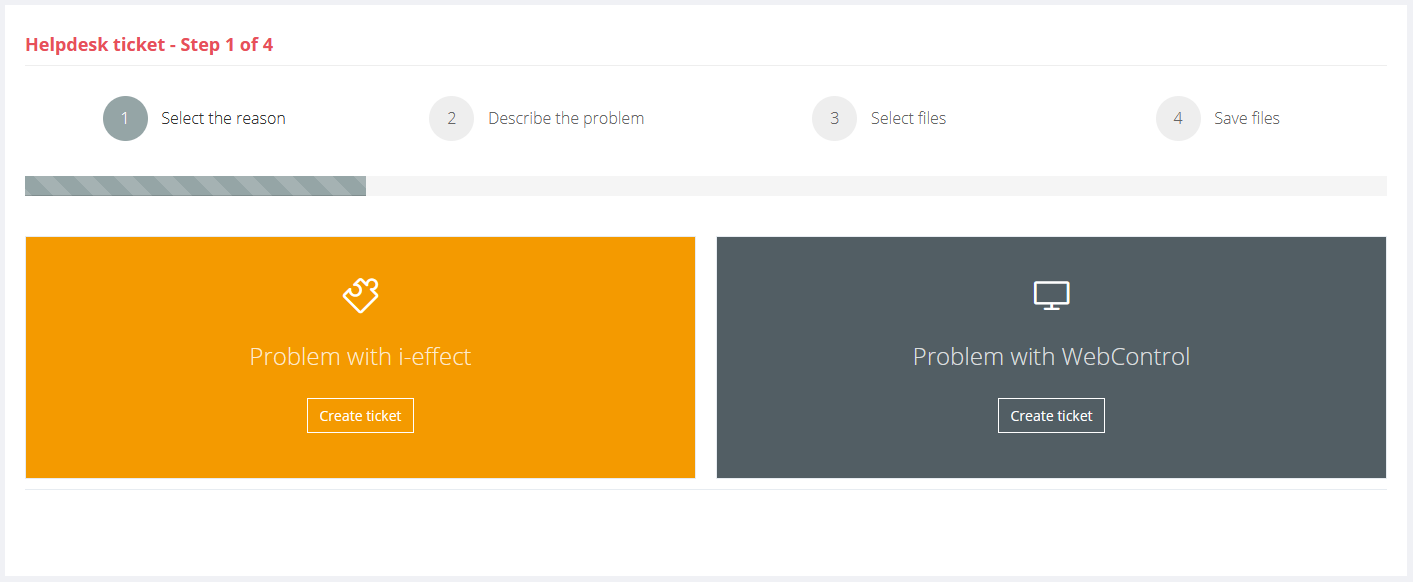
Depending on the selection - i-effect or WebControl - you can upload files and automatically collect further support information.
The i-effect section offers the possibility to enter exact information about the affected module and the time of the problem. If available, a session can also be selected, which automatically searches for and adds session data and log files matching the specified time, module and session.
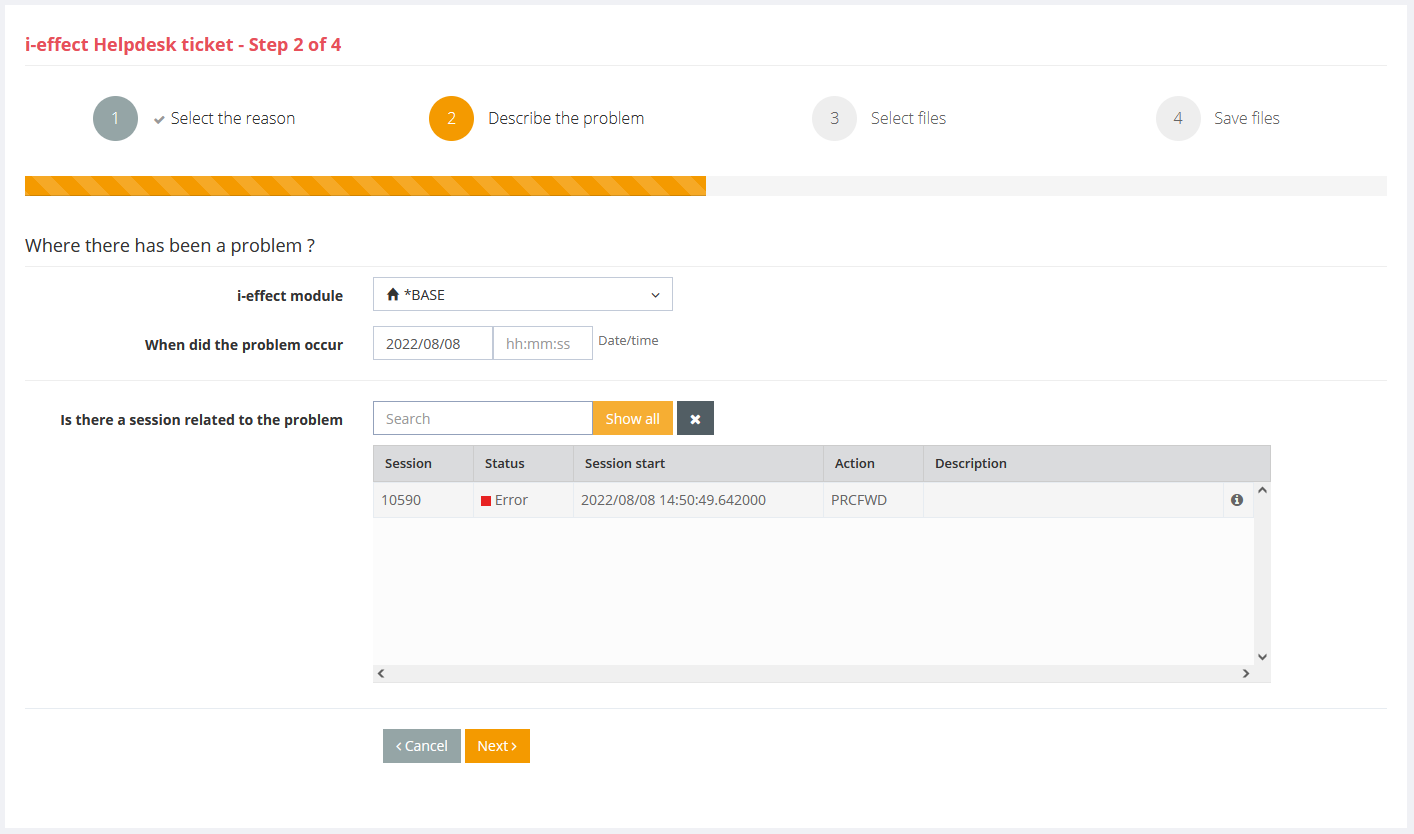
This function does not exist for WebControl, where all required files are collected automatically.
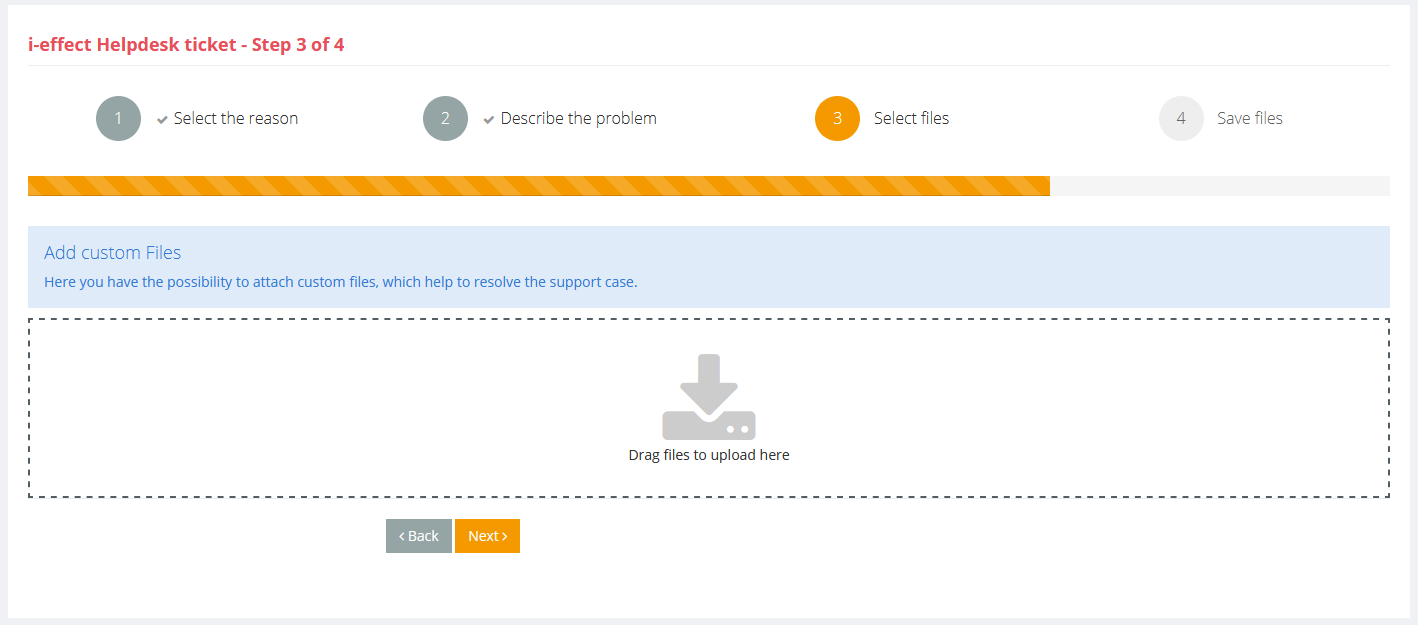
Additionally, own files can be added by drag-and-drop.
In the last step all collected information is displayed. All collected files are listed on the right side.
The buttons below can be used to save a ZIP file with all the info and you will be linked to the support ticket creation page.