The icon at the top right of the page opens a sidebar with notifications.
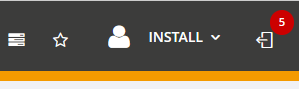
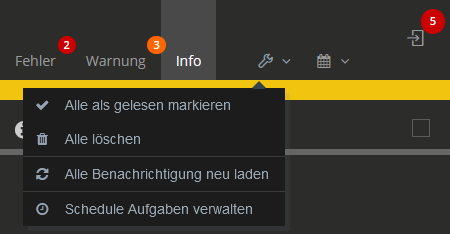
This sidebar displays notifications in three different categories.
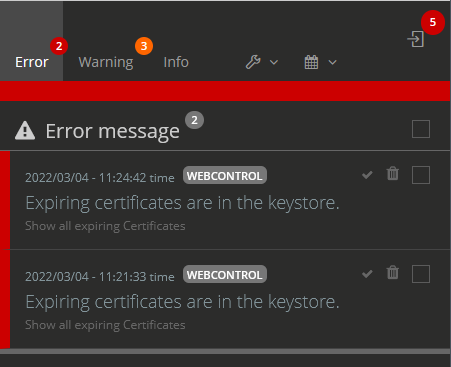
Clicking on the notification opens it as a pop-up. Depending on the type, further pages (e.g. Keystore) with associated information can be called from here.
Manage notifications
The notifications can be edited from the settings, as well as from the drop-down menu of the sidebar.
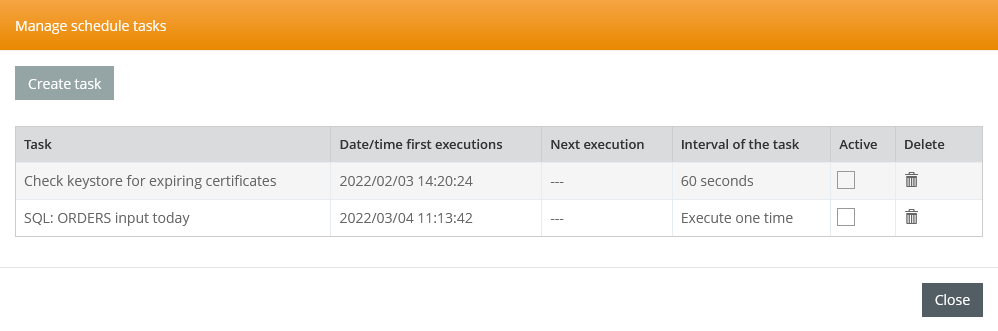
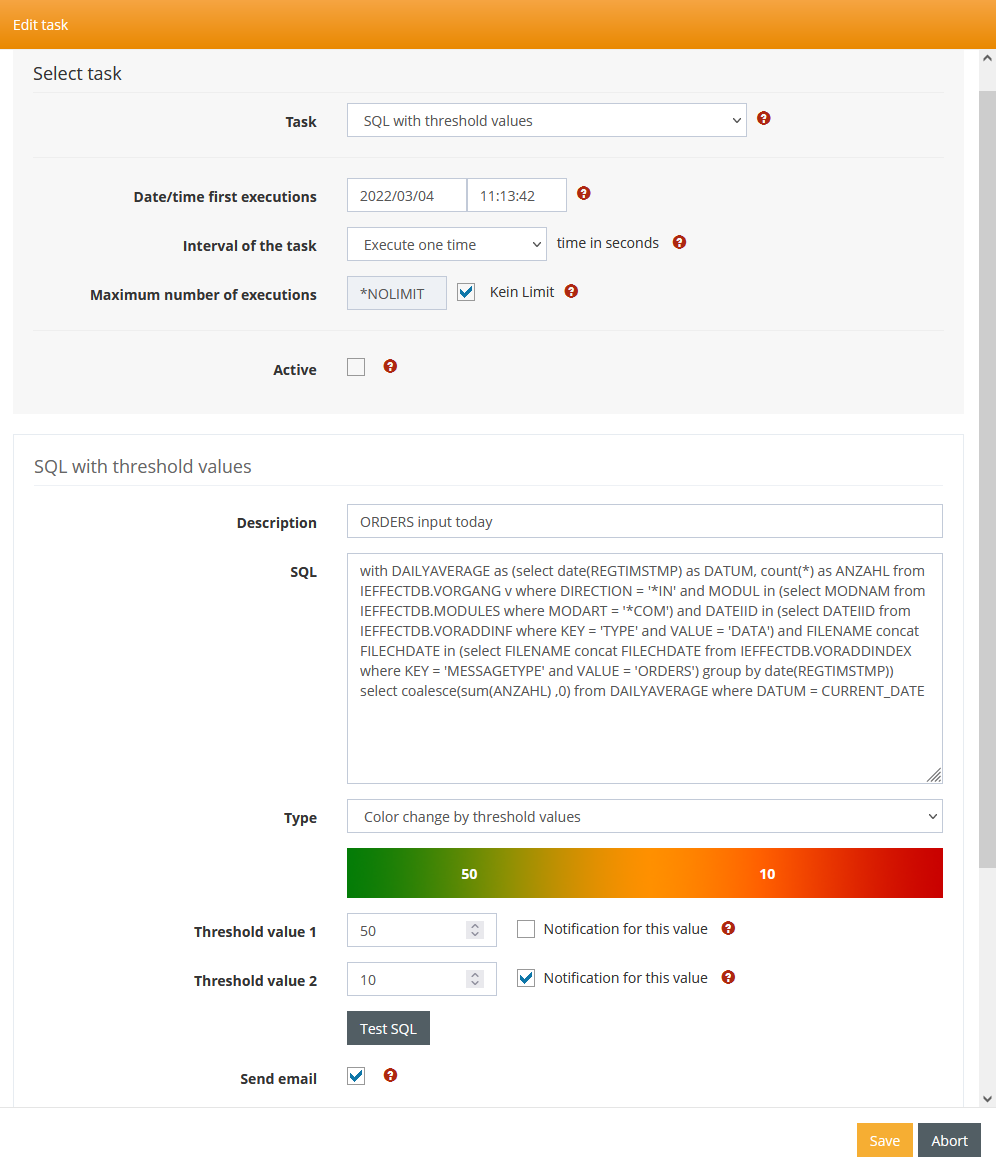
In the overview that then opens, notifications can be created and deleted. Furthermore, they can be activated and deactivated and you can see the time of the next execution.
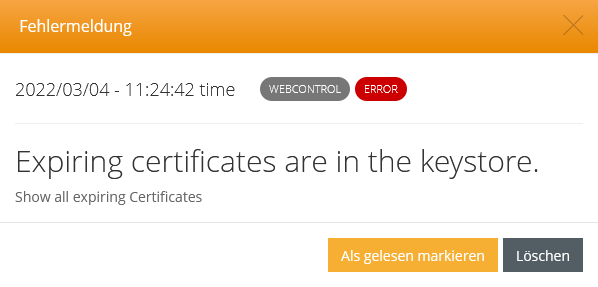
E-mail settings
The settings for sending e-mail notifications can be made in the WebControl settings.