
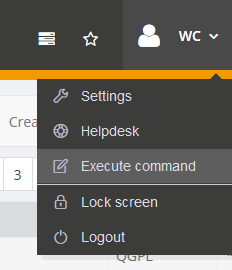
Via the menu in the upper right corner i-effect commands as well as system commands can be prompted and executed.
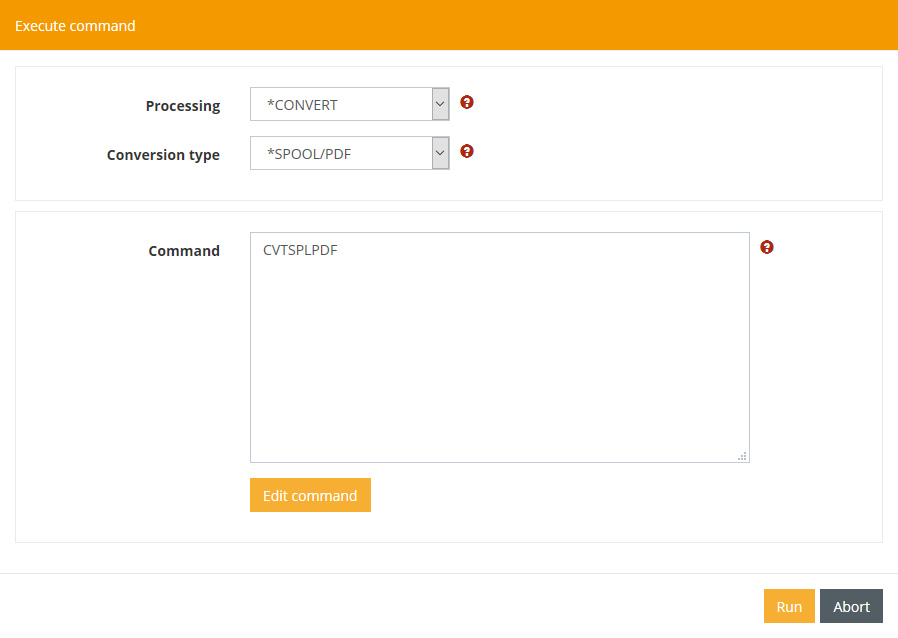
Via the dropdown "Processing" all Known Commands are offered for selection by application area. In addition, you can enter your own commands via the "Custom Command" option.
With the button "Edit command" the command for editing is opened in another window.
All commands are executed as a server task, so a session is created which can be viewed under Monitoring/Logbook.