Here you can enter your i-effect licenses. License information can be entered manually individually or uploaded in the form of a license file.
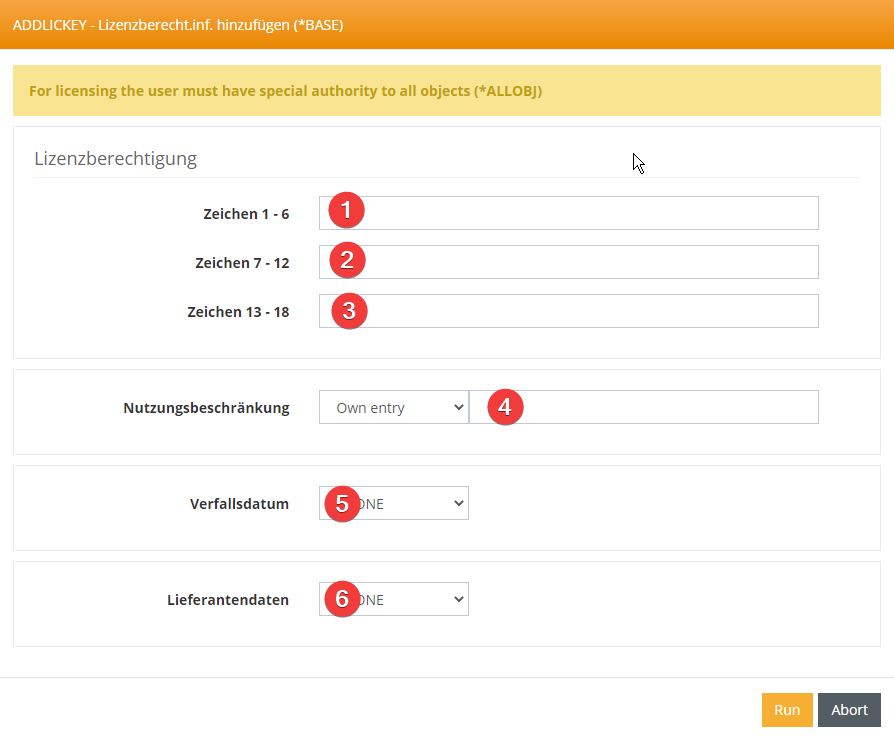
For licensing the user must have special authority to all objects (*ALLOBJ)
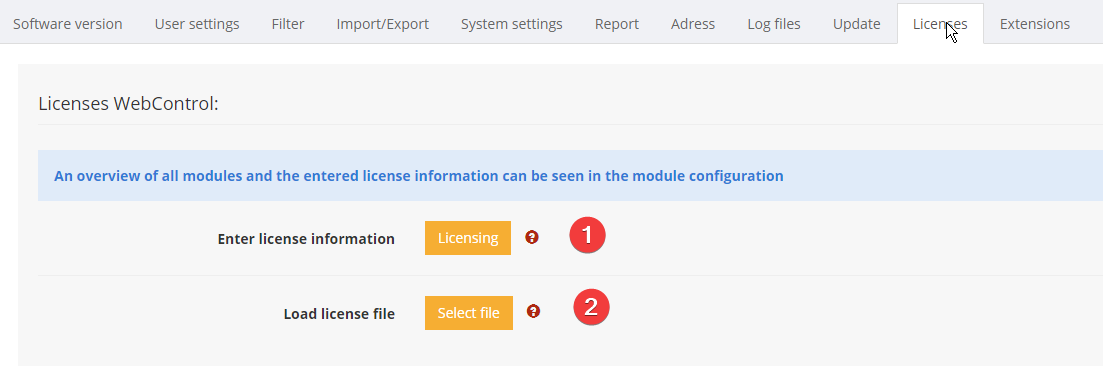
(1) Enter license information
Select this function to manually enter the details of a user license.
All necessary data can be found in the license report you received from your software vendor.

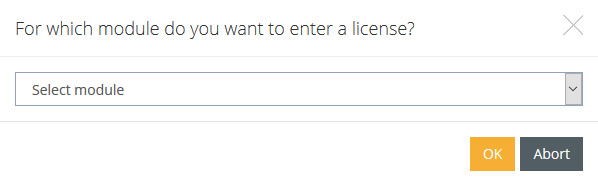
To do this, first select a module:
and then enter the license data for this module in the form.
(2) Load license file
Select this function to automatically load a license file containing all details about your licenses.
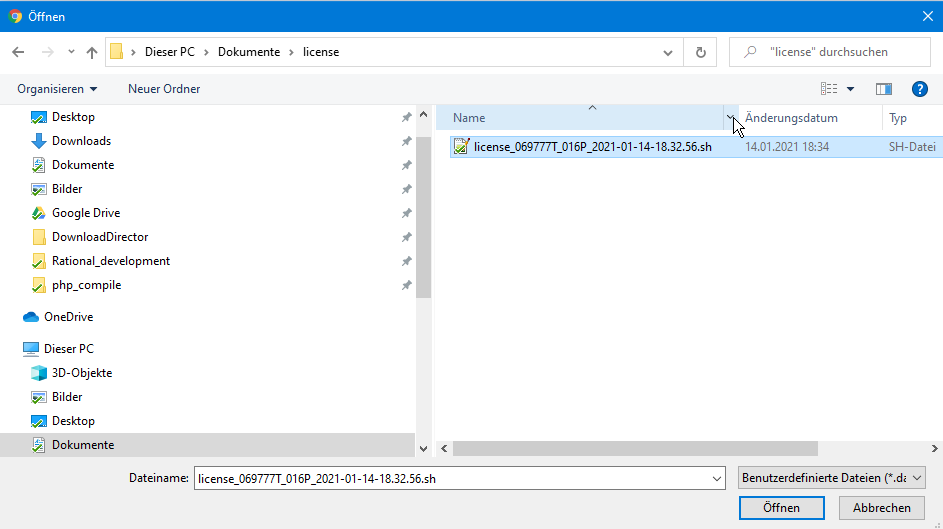
A license file ends in .dat or .sh and can have the following names, for example
-
license.dat
-
license.sh
-
license_069777T_016P_2021-01-14-18.32.56.sh
Select the location of this file in the following dialog and the system will automatically import the license data contained in the file.