
Most of the WebControl settings can be exported and imported on this page. Settings can be archived or exchanged between different users.
The following settings can be exported:
-
Table settings (displayed columns, sort, columns width)
-
Filter
-
Favorites
-
User settings
-
System settings
-
Report settings
-
Dashboard (views and widgets)
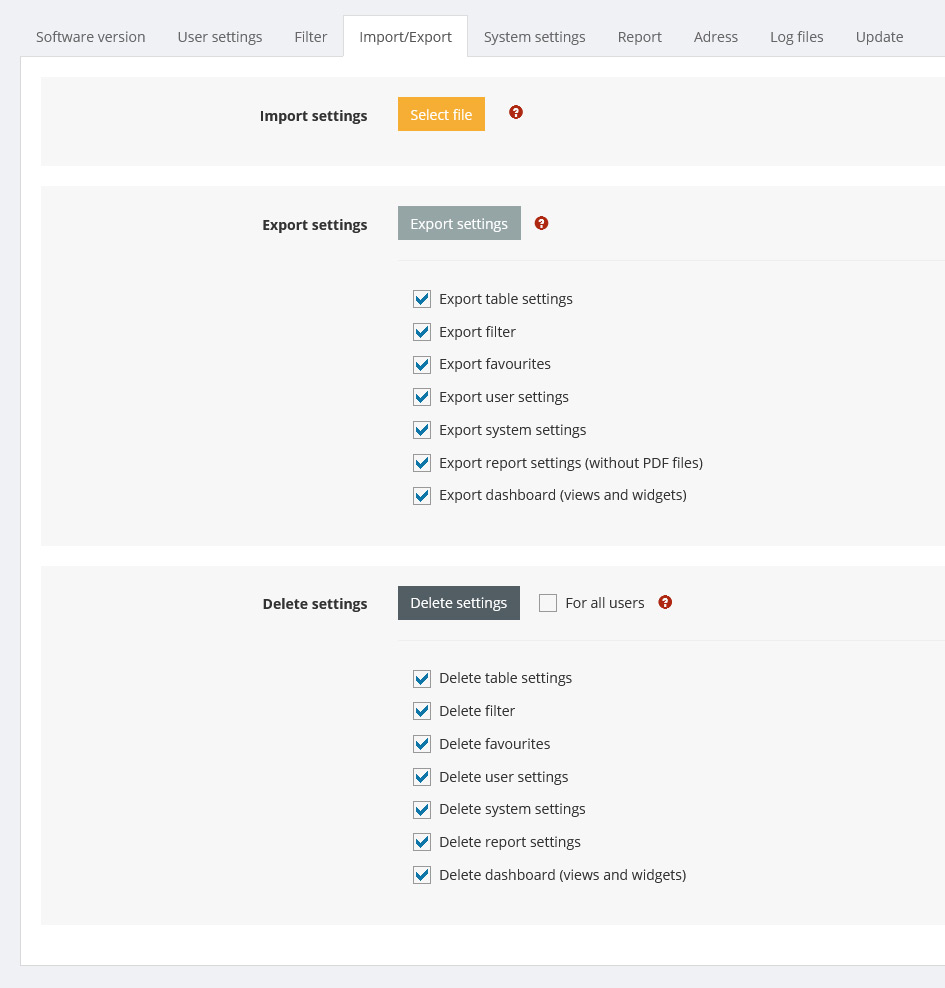
Import settings
Overwrites the current user profile with the settings from a previously saved file.
You can select which settings should be imported and whether they are added to the existing settings or deleted beforehand.
Export settings
Saves all settings and filter in a file for the logged-in user . You can select which settingsare exported.
Delete settings
Deletes the selected settings. If the user settings are deleted, they are then replaced by the default settings.