
The standard keystore of i-effect® is found under the name certificates.p12 in directory /i-effect//crypt. To open it with "i-effect Keymanager" proceed as follows:
-
File -> Open Keystore File...(Ctrl+O)
-
In the appearing dialog window, change to directory/i-effect//crypt. Choose file certificates.p12 and confirm with "Open".
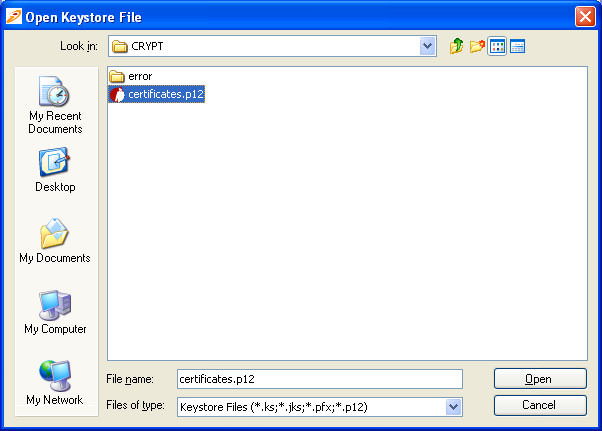
-
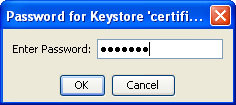
To open the keystore enter the requested password. The standard password of the keystore certificates.p12 is "ieffect".
-
After entering the password and corfiming with "OK", the entries in thekeystore certificates.p12 file will be shown:
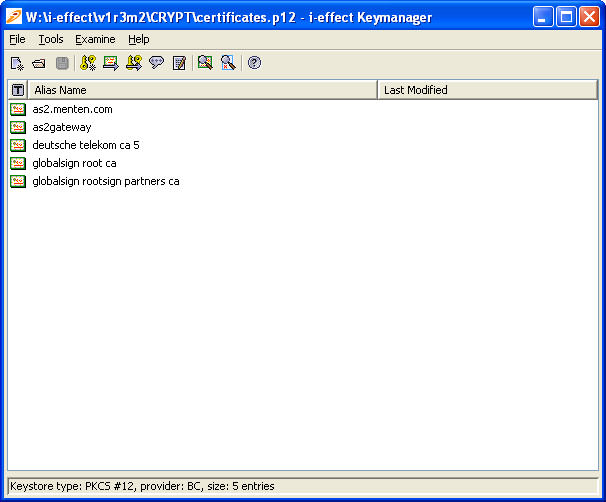
The entries are certificates of:
-
Cybertrust (keystore alias: gte cybertrust global root )
-
Deutsche Telekom (keystore alias: deutsche telekom ca 4 (gte cybertrust global root)
-
menten GmbH (keystore alias: as2.menten.com)
These three certifcates form a certification chain (see definition Chapter 7a "Encryption and Advanced Electronic Signature").