-
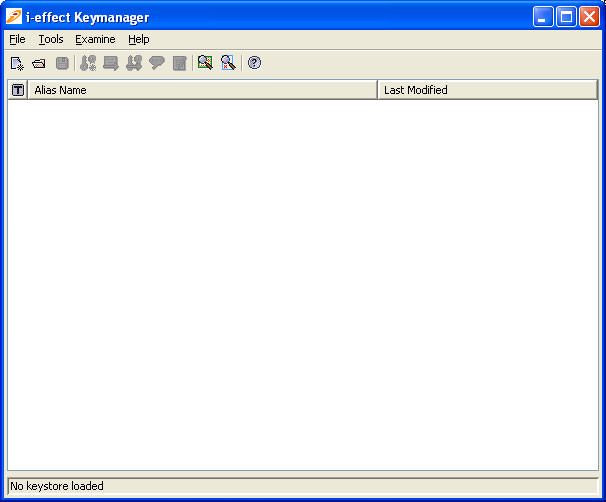
Start"i-effect®Keymanager".
A dialog window as shown below will appear:
-
To generate a new keystore, proceed as follows:
File -> New Keystore (Ctrl + N)
The following dialog window will appear:
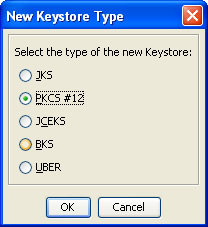
The following keystore formats are supported:
-
JKS: Java Keystore (Sun Keystore Format)
-
PKCS#12: Public Key Cryptography Standards #12 Keystore(RSA's Personal Information Exchange Syntax Standard)
-
JCEKS: Java Cryptography Extension Keystore(More secure version of JKS)
-
BKS: Bouncy Castle Keystore(Bouncy Castle's version of JKS)
-
UBER: Bouncy Castle UBER Keystore(More secure version of BKS)
-
-
Select the keystore format PKCS#12 and confirm with "OK" to return to the main menu. Now the newly generated keystore can be saved as follows:
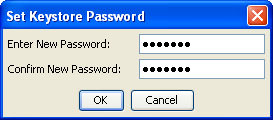
File -> Save Keystore / Save Keystore (Ctrl + S)The creation of a password for the newly generated keystore will be requested.