There are two additional buttons in the menu bar
Clean up definitions
This function deletes all conditions and index values that are not currently used in any definition.

Test definitions
Definitions set to active can be tested in advance with this function.
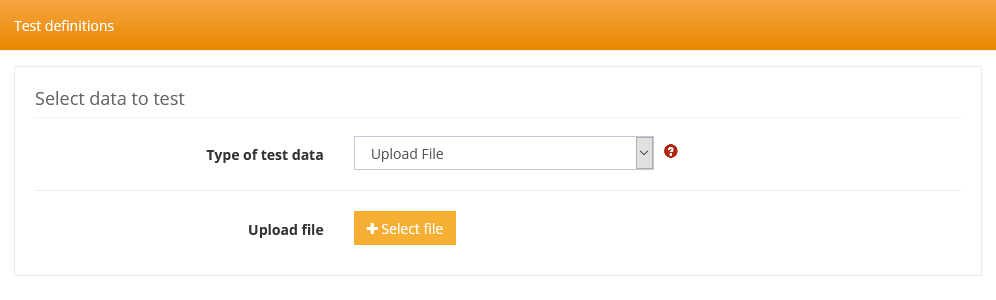
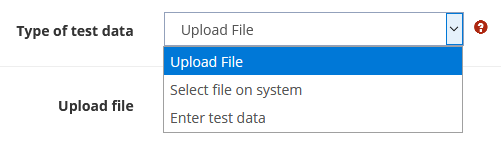
Test data can either be uploaded as a file, selected on the system, or copied and pasted into a text field.
After selecting the test data, the Test button at the bottom of the form is enabled and by clicking on it, the file parser is applied to the test data and the result for each definition is presented.
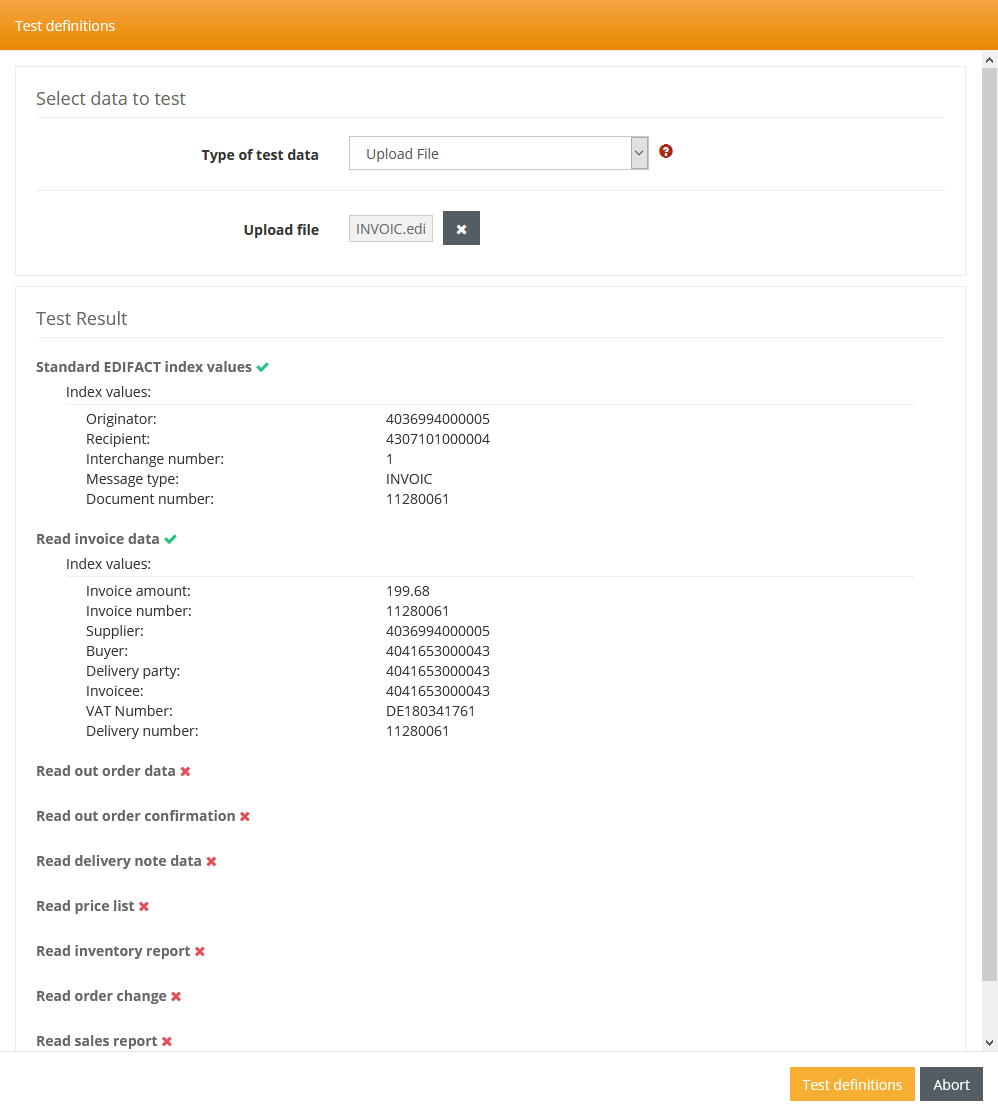
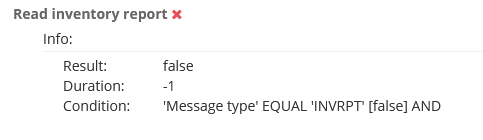
Definitions for which no index terms were found can be opened with a mouse click to get more information.