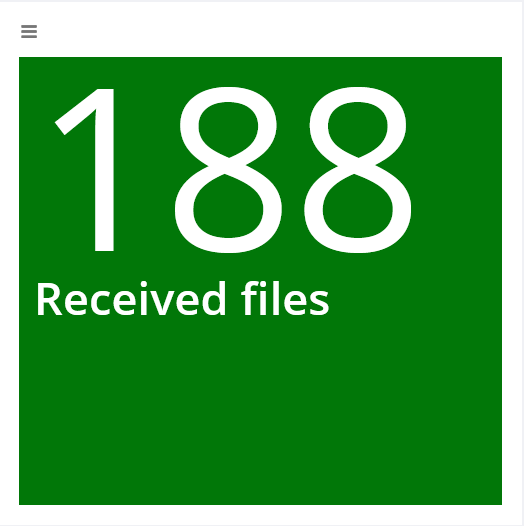
This widget displays a value with description from a freely definable SQL. The background color changes like a traffic light using threshold values.
The SQL may only contain single quotes ', as separator between database and table only a . is allowed. The first field queried in the SQL is displayed.
When threshold values are selected, the traffic light turns green or red if the threshold value defined for it is exceeded or fallen short of, depending on the condition set. Everything between the threshold values results in an orange traffic light.
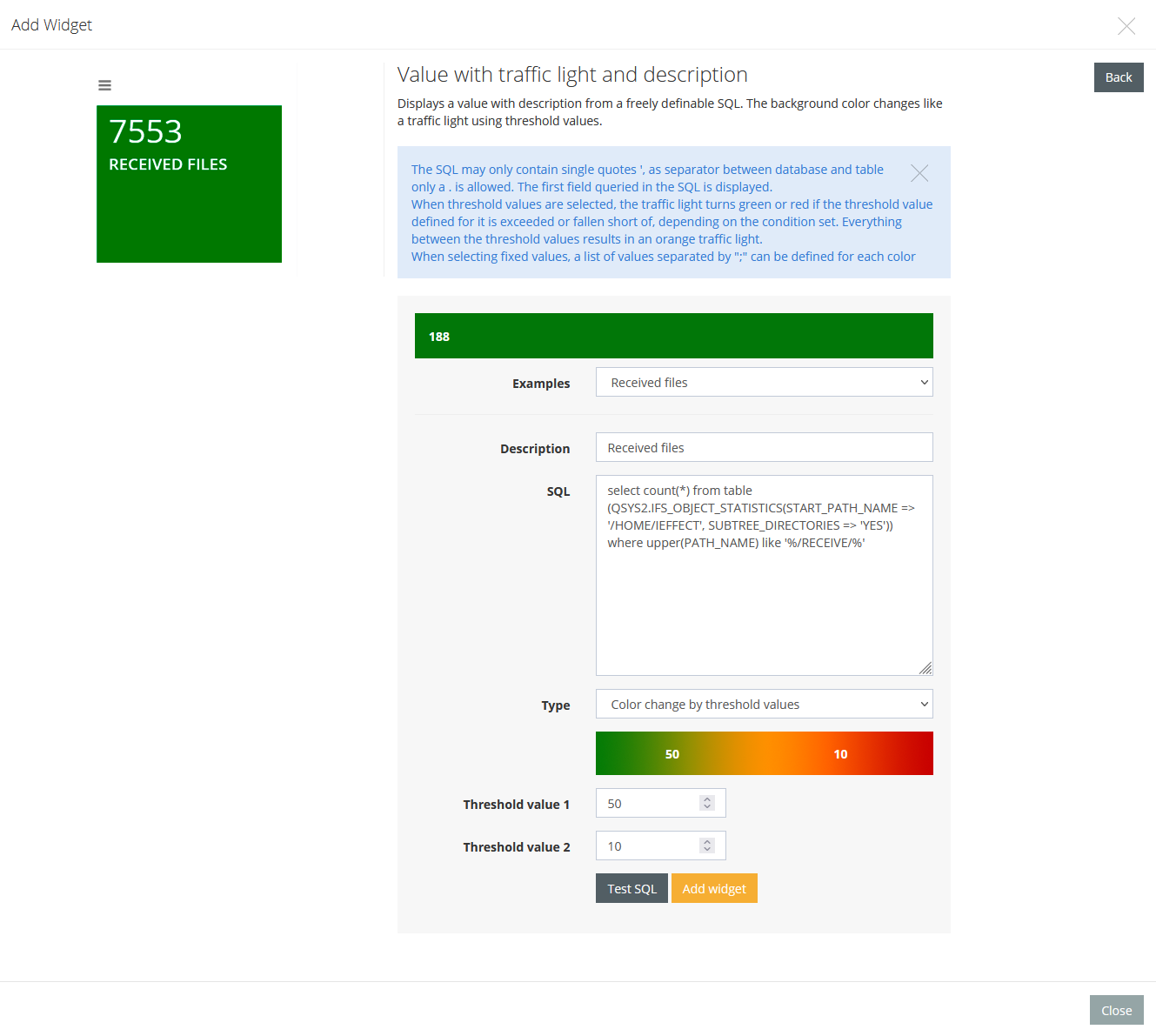
When selecting fixed values, a list of values separated by ";" can be defined for each color.
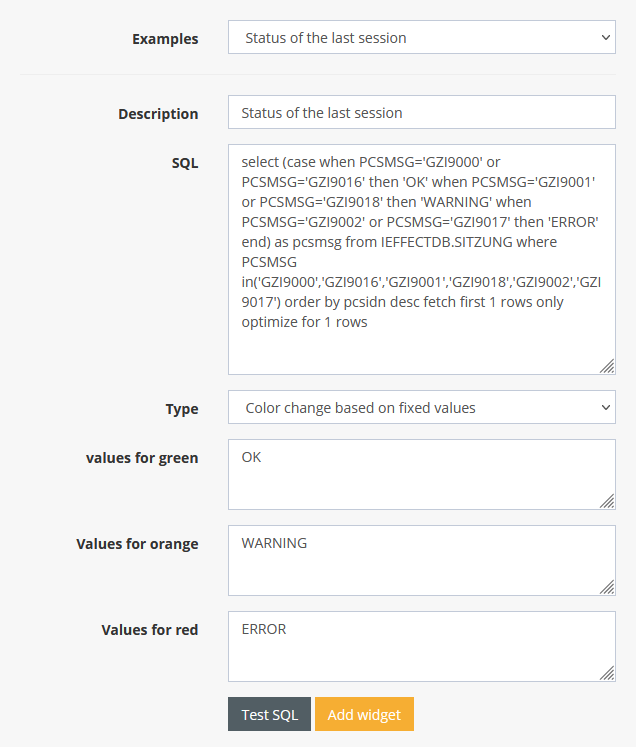
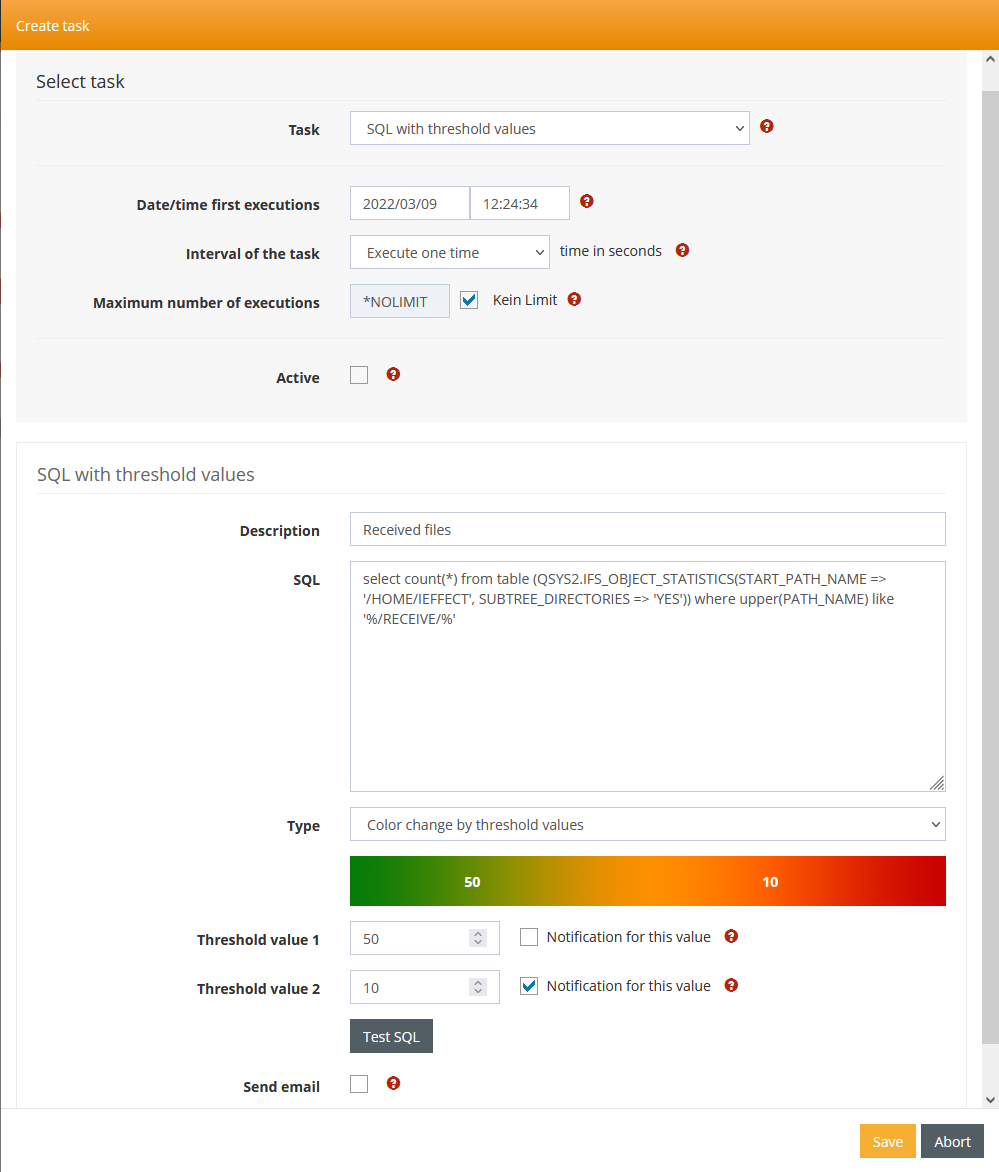
Use SQL as Notification
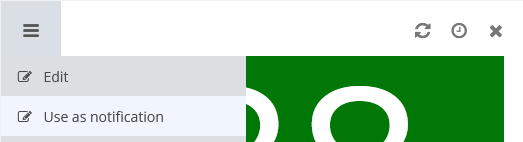
Traffic light widgets already on the dashboard can be exported as Scheduled Task.