
Once you have created an FTP server, you must assign this user to connect to the server.
To do this, navigate to the menu item Communication → FTP user and click Create new entry.
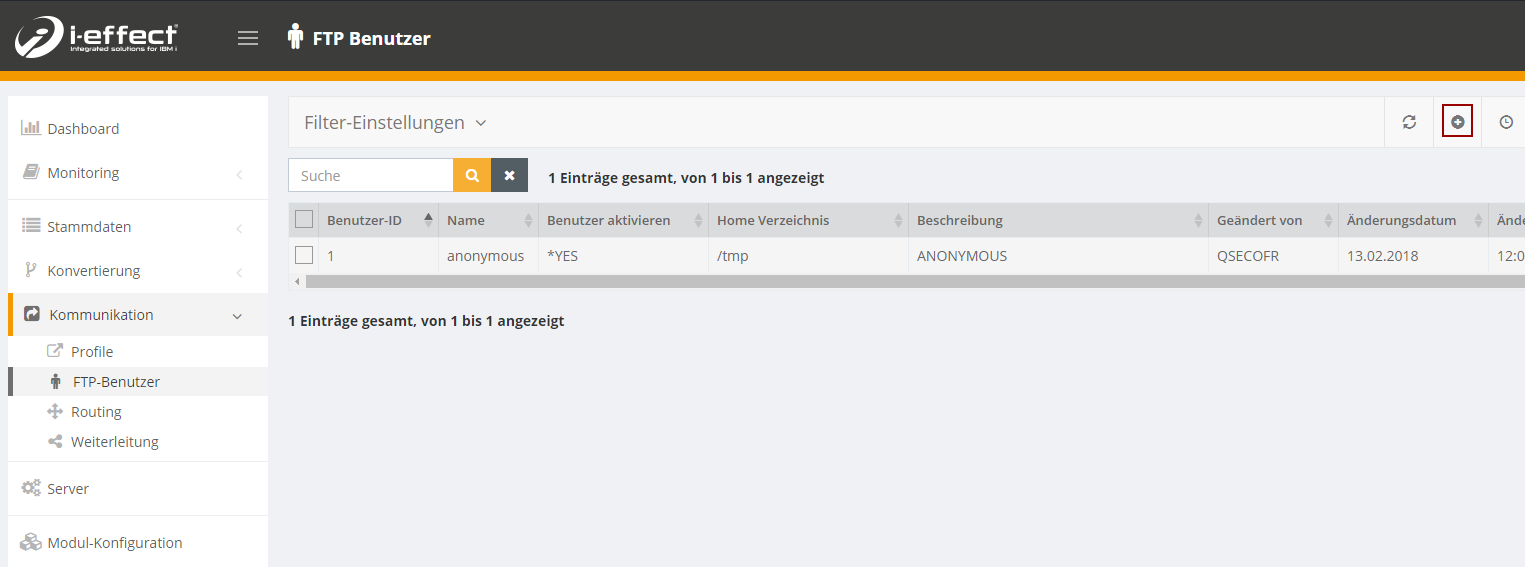
In the FTP standard, a basic distinction is made between two types of user profile: Anonymous and one user.
Please note: The i-effect system user needs access to the FTP directories.
Create Anonymous-user
As the name implies, an anonymous user is a login for anonymous. The client logs on to its server with the user name anonymous and any password corresponding to an e-mail address.
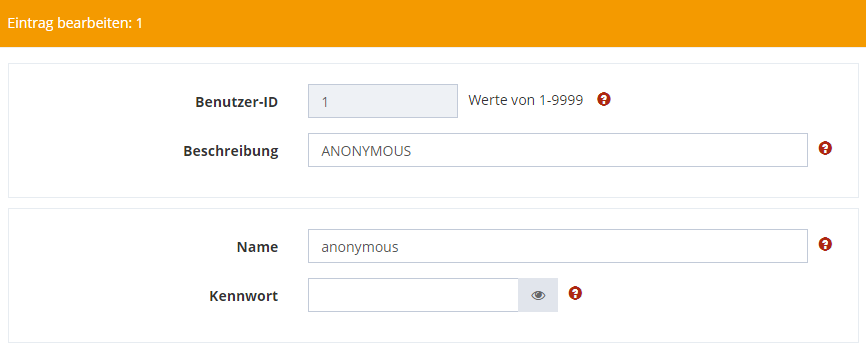
To create an anonymous user, choose the following settings when creating the user profile.
Use anonymous as user name and leave the Password field empty.
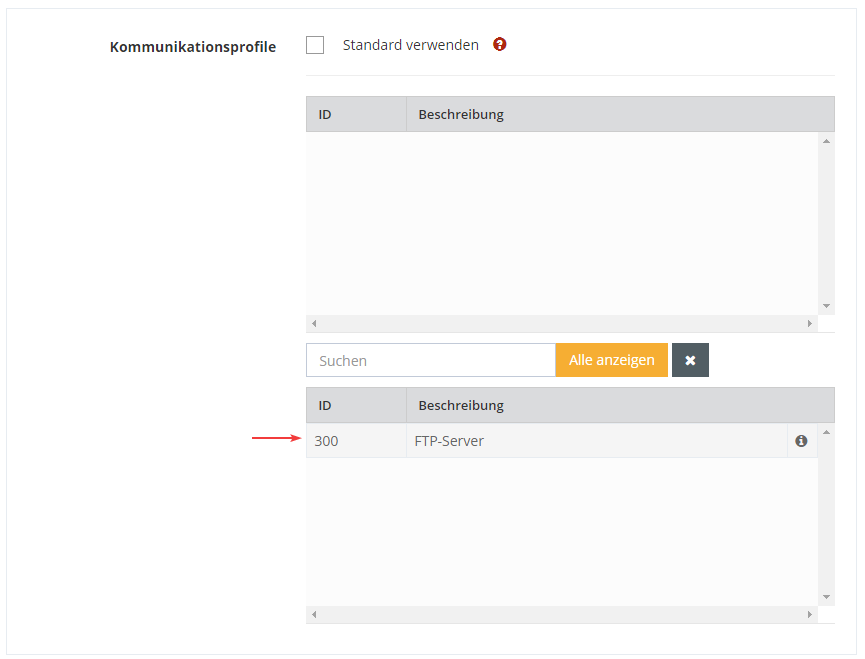
Under Communication Modules remove the check mark "Use default" and select the server to which the selected user should have access.
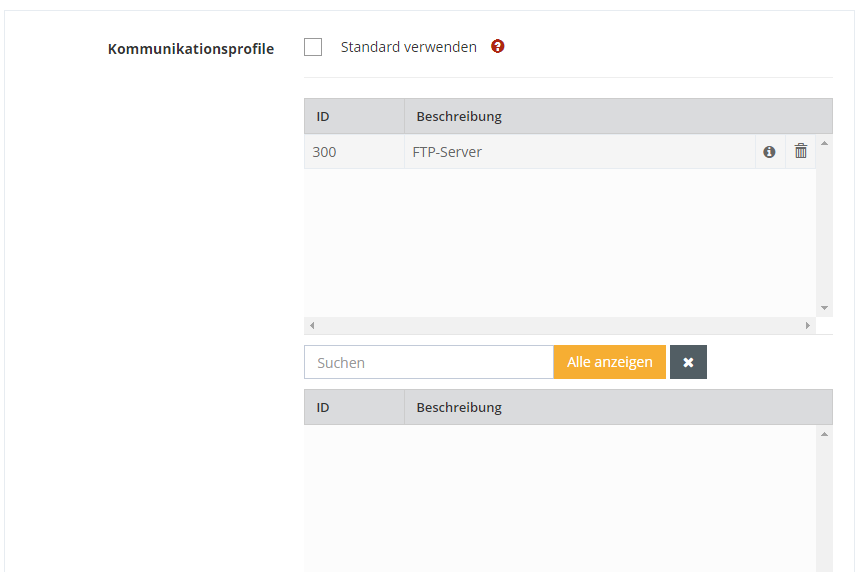
The user is now activated for the selected server.
If necessary, you can set connection parameters for the user in the other settings.

Furthermore, you can limit the download and upload rates if necessary.

You can leave the extended settings with the standard settings for the time being.
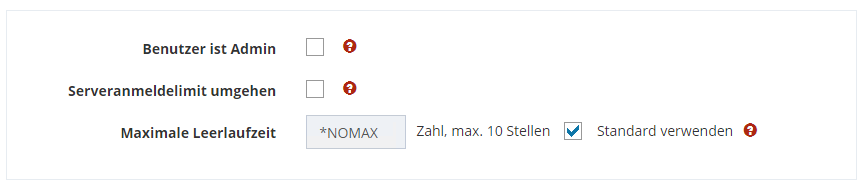
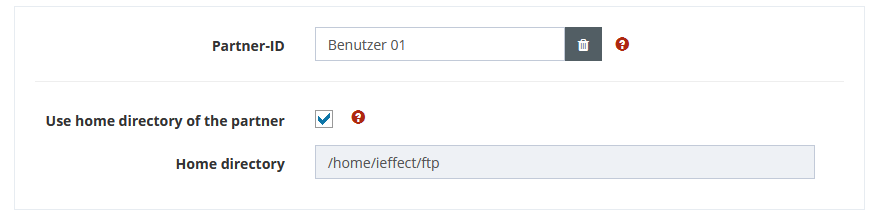
The last step is to specify the home directory of the user. This is the directory in which the user is located if the connection was successful.
If you have assigned a partner profile to the FTP user whose "Receive path attachment" is not set to *DEFAULT, you can use the home directory of the partner via checkbox.
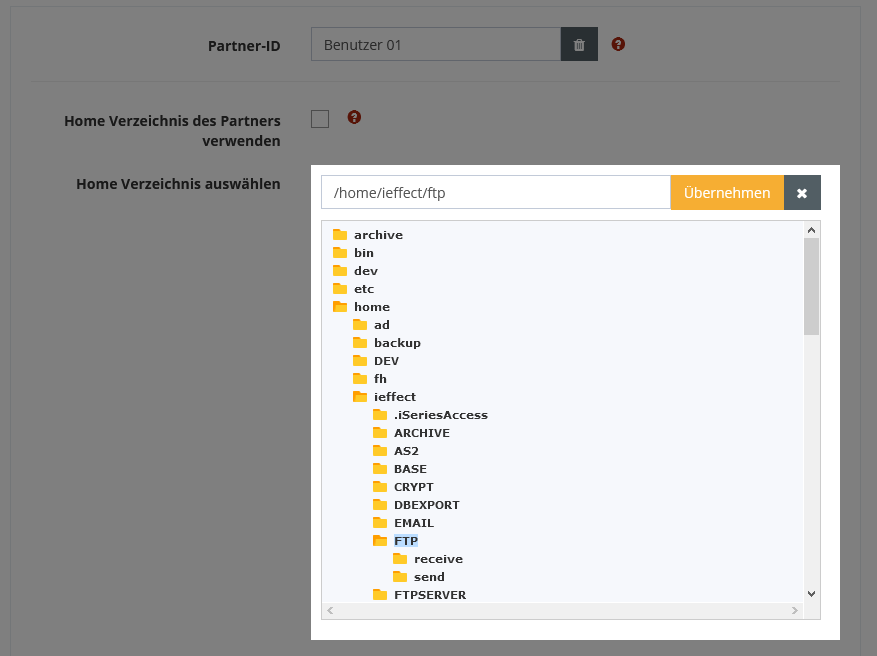
Alternatively, you can define an own home directory for the user.
By default, the user only has read permissions on his or her home directory.
Create user
To create a user, proceed in the same way as for creating an anonymous user. Just make sure you assign a username other than Anonymous.
By default, the user only has read permissions on his or her home directory.