
To set up an FTP server, please navigate to the menu item Communication → Profile and select Create new entry.
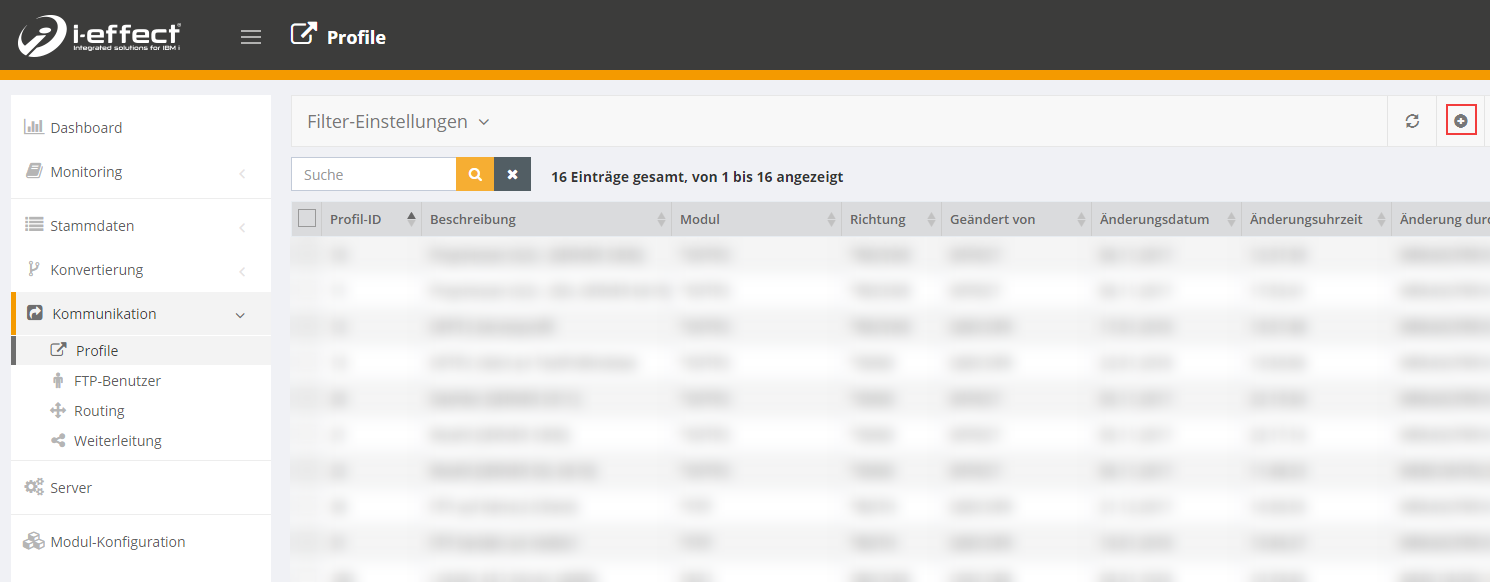
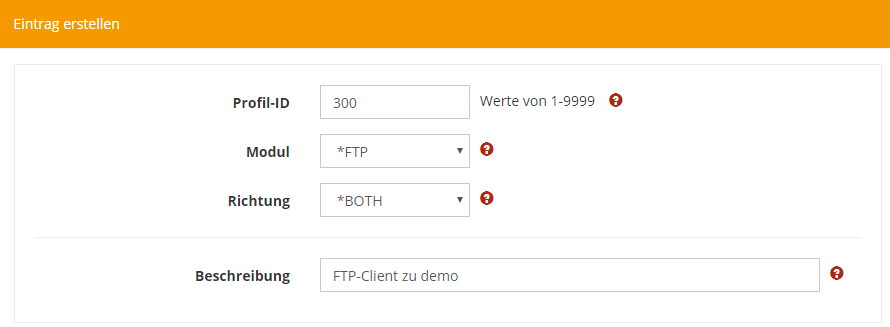
In the new window, select *FTP as the module and *BOTH as the direction.
You can also add a meaningful description.
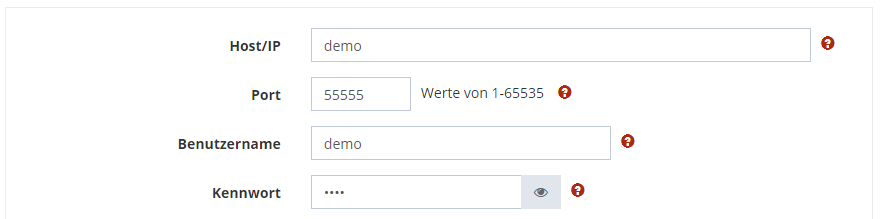
In the next step, enter the connection settings of the FTP server to which you want to connect.
If you wish or it is necessary you can still set the transfer type and mode. However, you can usually use the standard setting.
