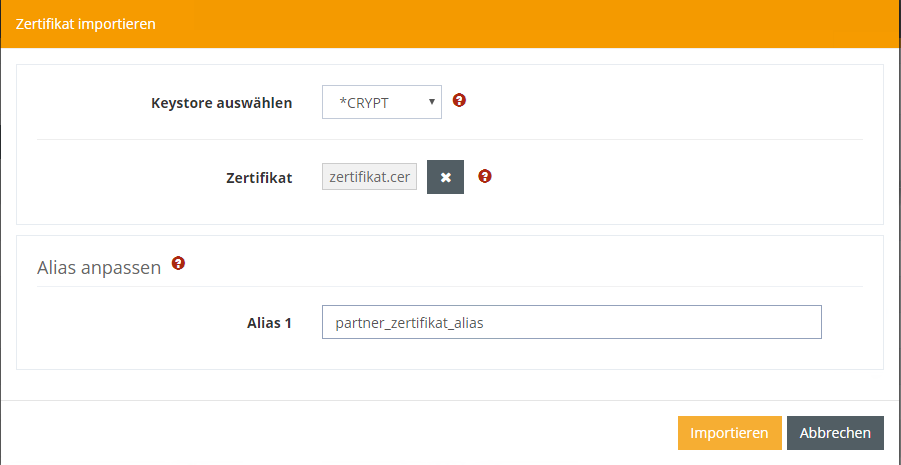
You can import your partner's certificate into the certificate store.
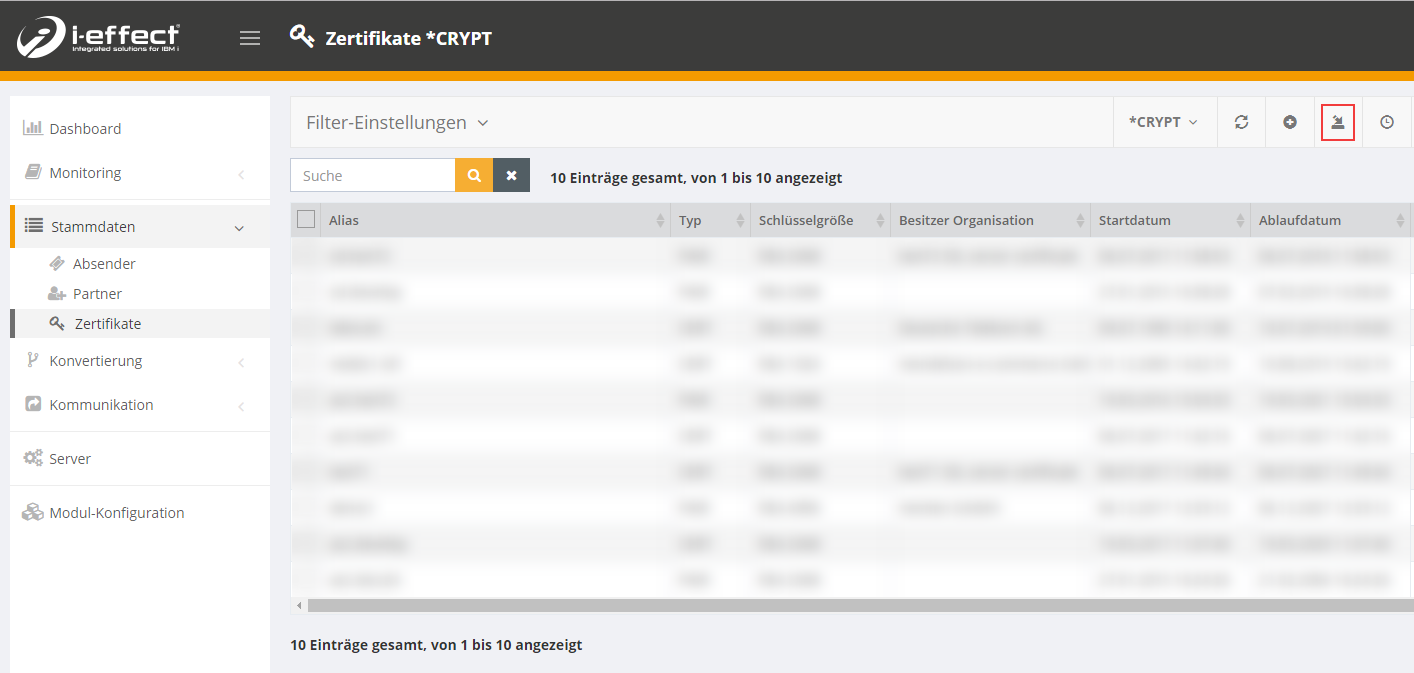
To do this, navigate to the menu item Master Data → Certificates. There you choose Import:
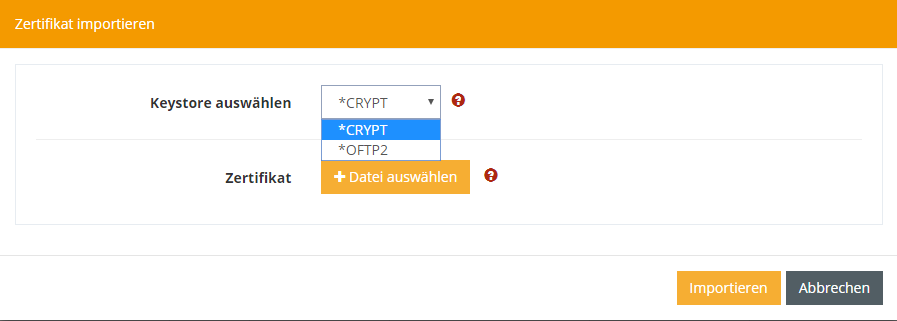
Now select the keystore in which you want to save the certificate: You can choose between the CRYPT and OFTP2 kerystore. For AS2, always use the CRYPT keystore.
Next, select the certificate you want to import and click Import:
You can change the alias again when uploading the certificate: