To use e-invoices with i-effect, mappings and directories are required. These are not included in the standard i-effect package. However, customers who have purchased the modules required for using e-invoices can request this data for the Peppol, xRechnung, and ZugFERD formats through the menten Help Desk.
Directories
The directories for Peppol, xRechnung, or ZugFERD must be copied to this folder:
\HOME\ieffect\mapper\XML\xsd\
The directories must be copied using the provided folder structure and folder names!
xRechnung and Poppol both use the same UBL directories.
Directories for Peppol:
/UBL
Directories for xRechnung :
/UBL
/XR_CII
Directories for ZugFERD :
/CII-D22B-XSD
/Factur-X_1.0.06_EN16931
7Factur-X_1.0.06_EXTENDED
/Factur-X_1.07.2_EN16931
/Factur-X_1.07.2_EXTENDED
/Factur-X_1.07.3_EN16931
/Factur-X_1.07.3_EXTENDED
/Factur-X_1.08_EN16931
/Factur-X_1.08_EXTENDED
/Factur-X_EN16931
/zugferd1p0
/zugferd2p0_EN16931
/zugferd2p0_EXTENDED
Mappings
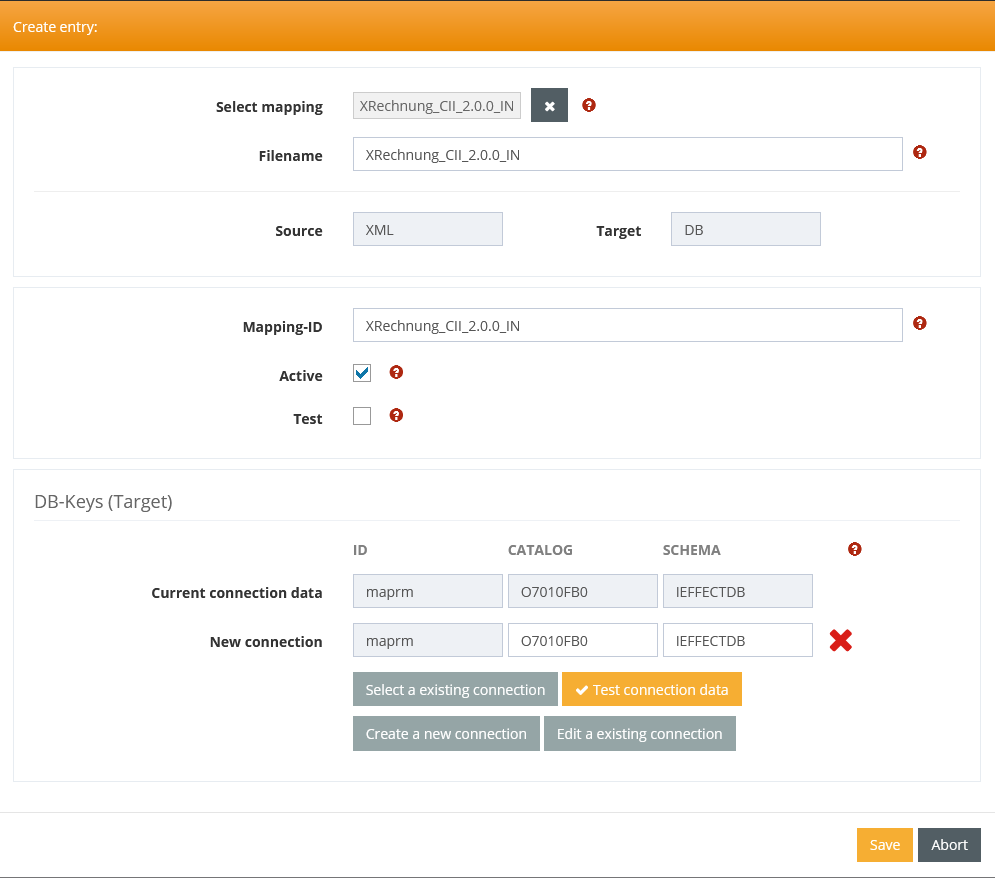
The mappings cannot simply be copied to the system; instead, they must be imported via WebControl: Mappings
To do this, you must first create a database connection, which will be assigned to the mappings during import.

After that, you can import all the necessary mappings, but you must select the database connection you created. The green checkmark must appear!
Report files
For outgoing mappings, you can use Jasper Report to generate your own PDFs. To do this, you need to copy a few additional .jar files into this folder:
\HOME\ieffect\REPORT\LIB
Restart Subsystems
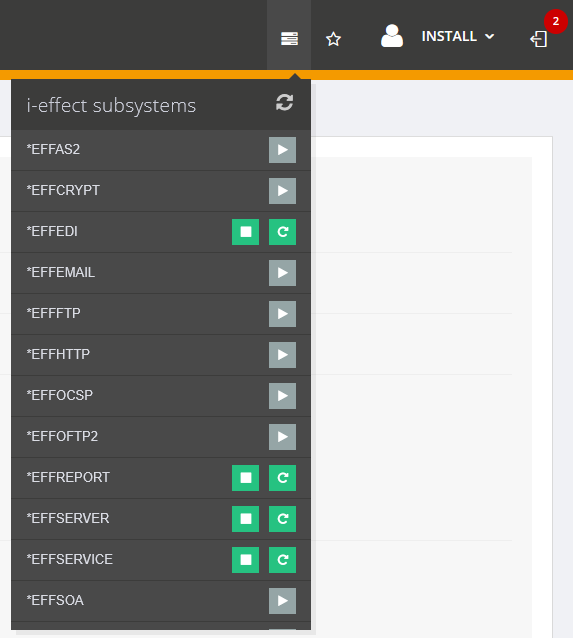
When directories or files for Jasper Report are copied to the system, the *EDI and *REPORT subsystems must be restarted.