If you receive or send e-mail with i-effect, you can monitor this using webcontrol. There are different procedures that are explained in the following.
Document receipt
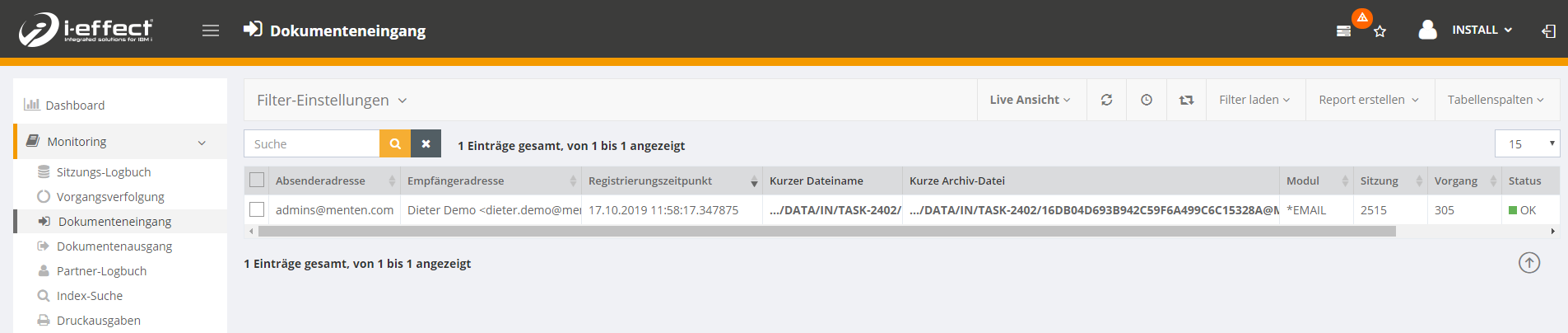
In the Document Inbox (Monitoring → Document Inbox) you can see the e-mails retrieved using the RCVEMAIL command.
Outgoing documents
In the document outbox (monitoring → document outbox) you can see the e-mails sent using the SNDEMAIL command.
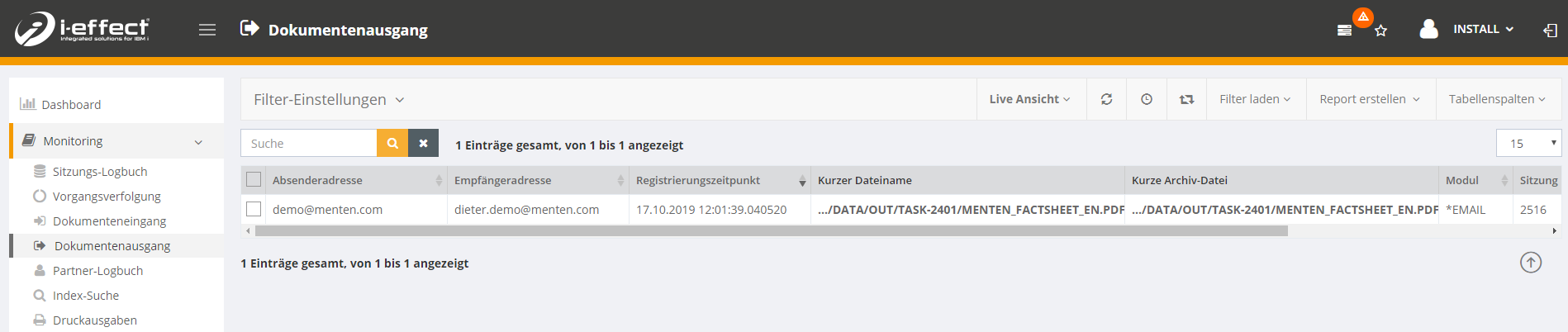
Attention: Only e-mails that contain an attachment are displayed here.
Meeting log
The command calls are of course also displayed in the session log.
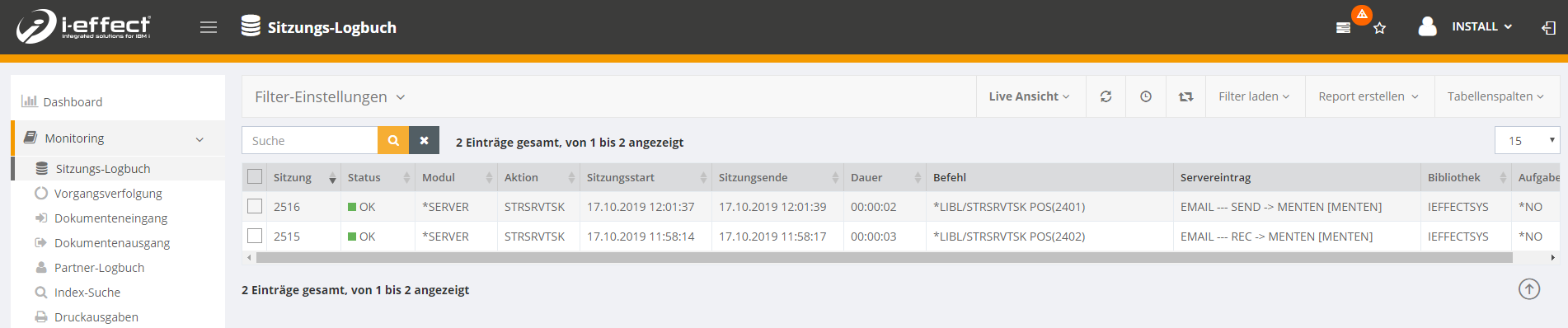
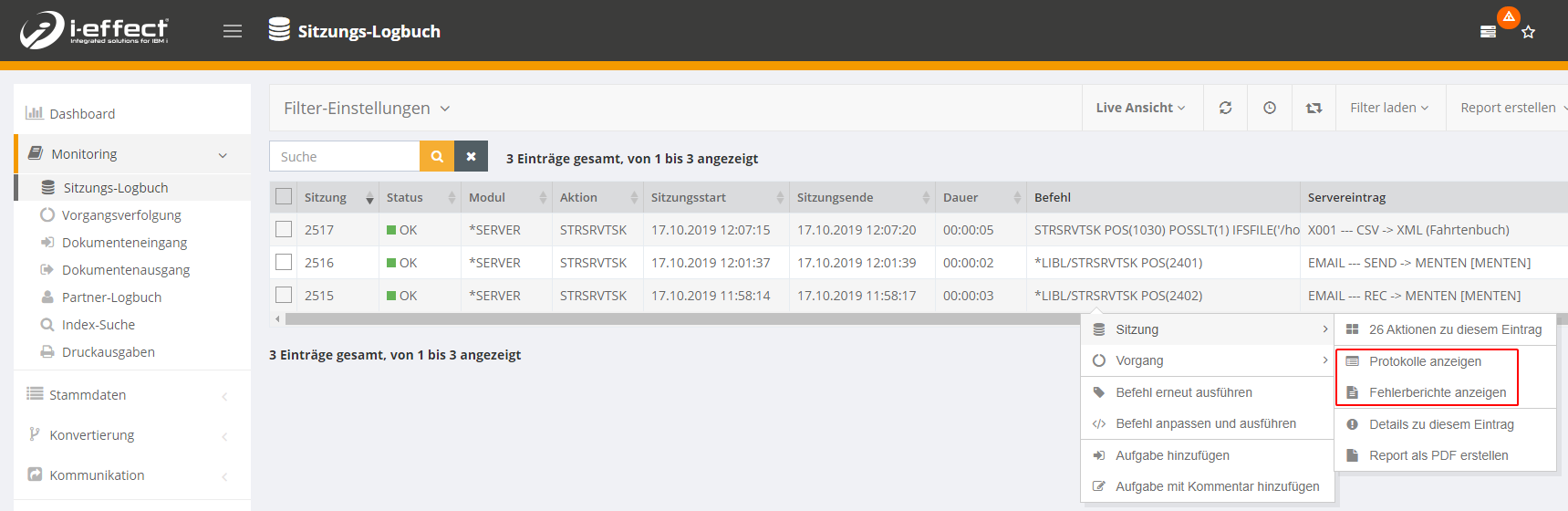
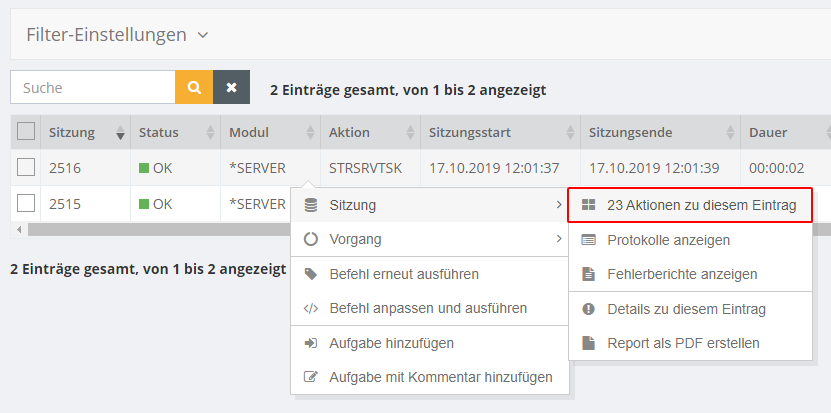
You can also view the details of the session. To do this, open the context menu of the relevant entry → Session → Actions for this entry.
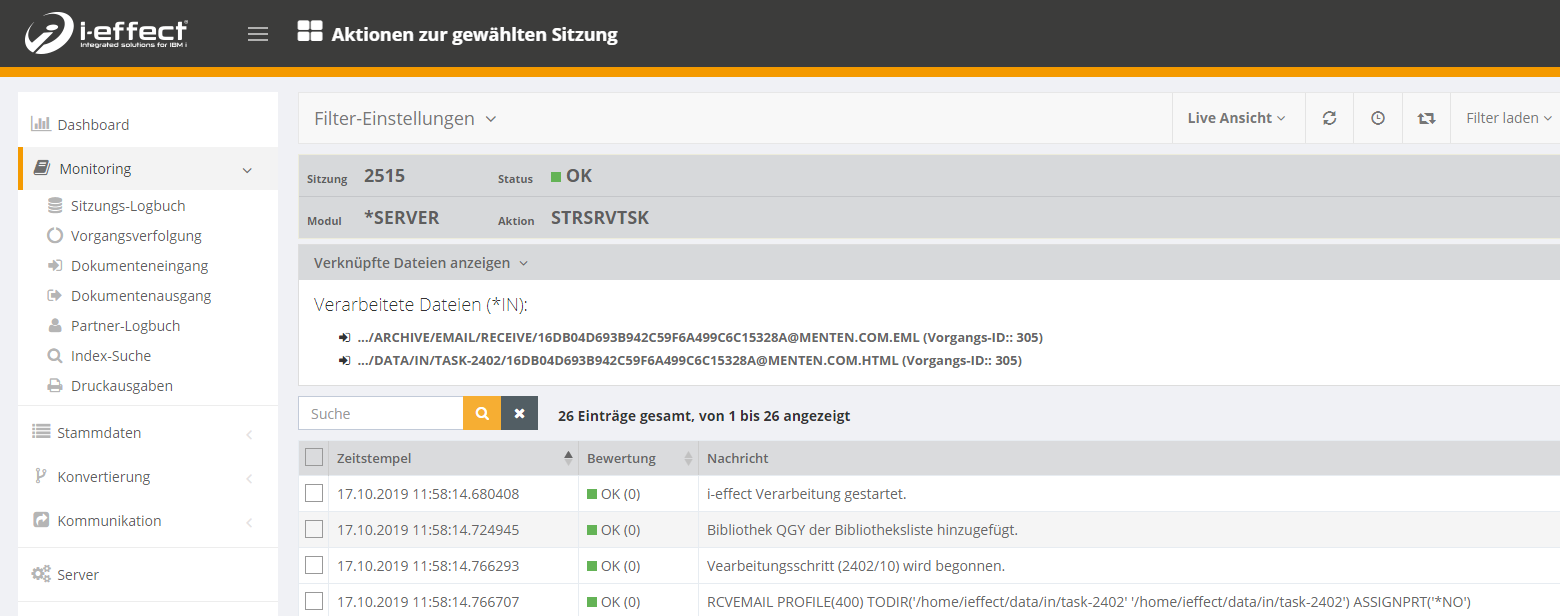
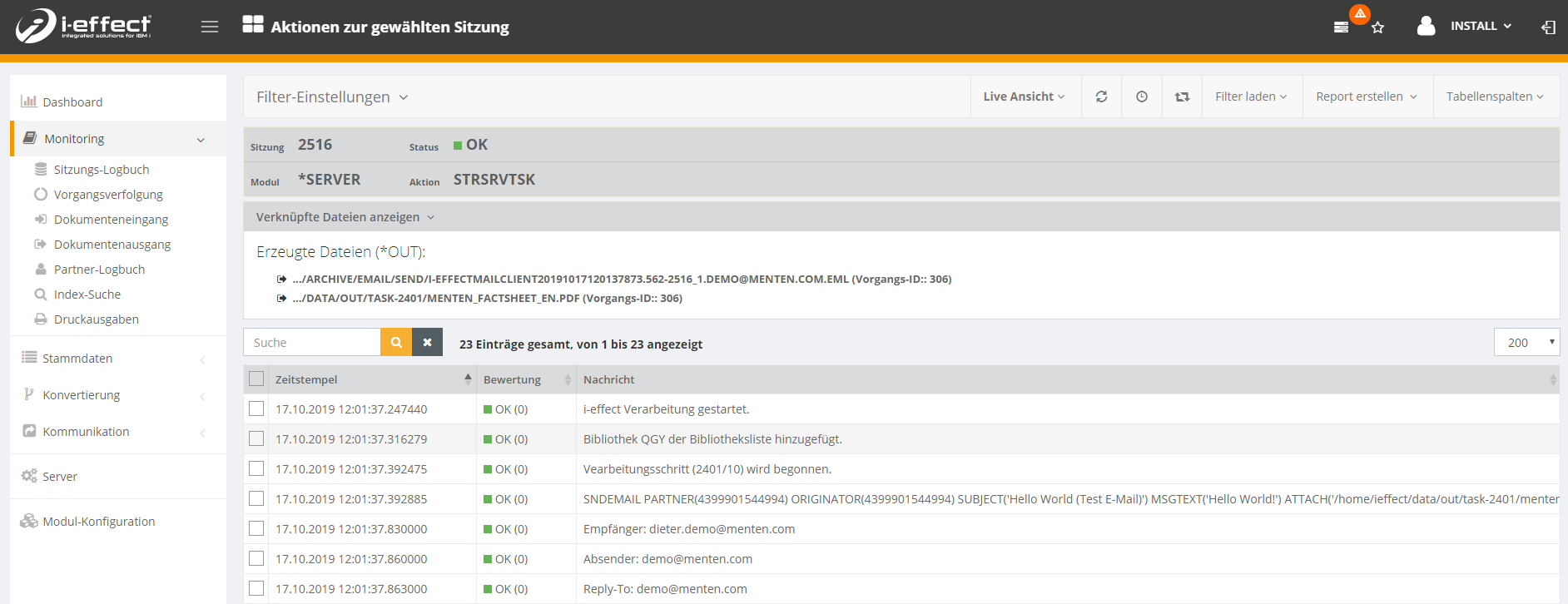
In the details you can see the processed or received files and the session log.
Transaction tracking and partner logbook
Here you will also find entries. For more detailed information, please use the corresponding entries in this manual.
Detailed logbooks and error messages
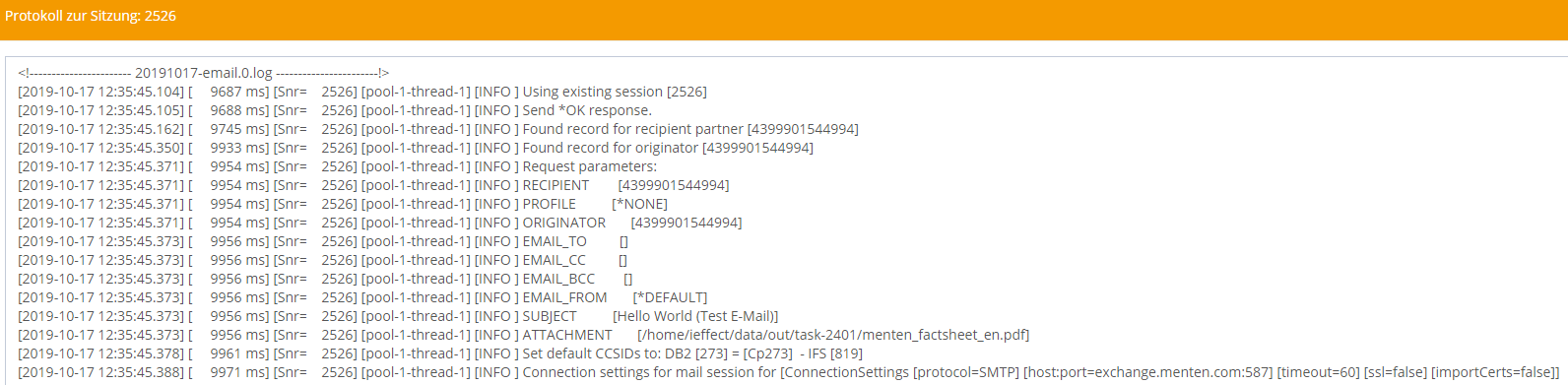
You can get detailed information about a session by viewing the internal log of the e-mail module. You can view the log either via Web control or in the file system itself. It is recommended to use Webcontrol, because Webcontrol compiles the logs of all modules for a specific session for you.
To do this, open Monitoring → Session Log and open the context menu of the corresponding entry. There you can choose between the logs and the error reports.