
In order to use the REST API of the product, a so-called API token is required. It is used to authorize access to i-effect.
These instructions explain how to generate such an API token and where this token has to be used afterwards.
How to create an API token with WebControl?
Within the WebControl application, the token administration is located as an independent selection in the Settings area in the tab Sytem settings.
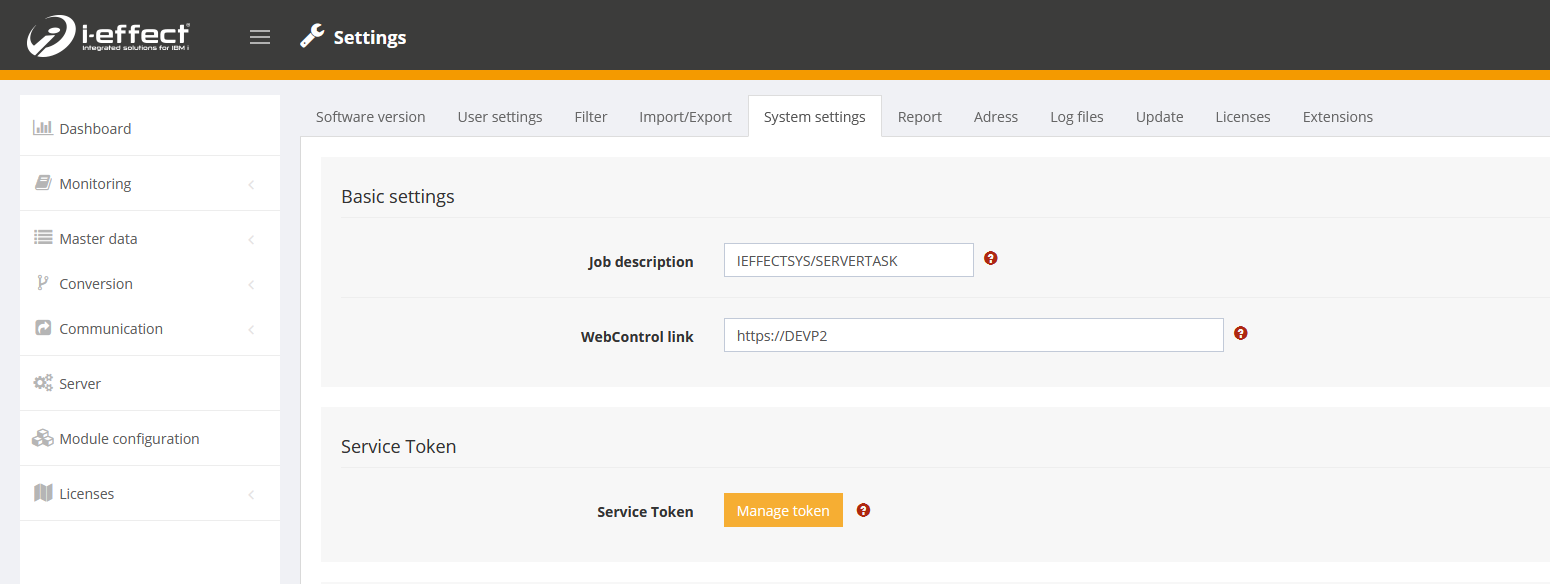
The Manage Token button opens a dialog window in which an API token can be created.
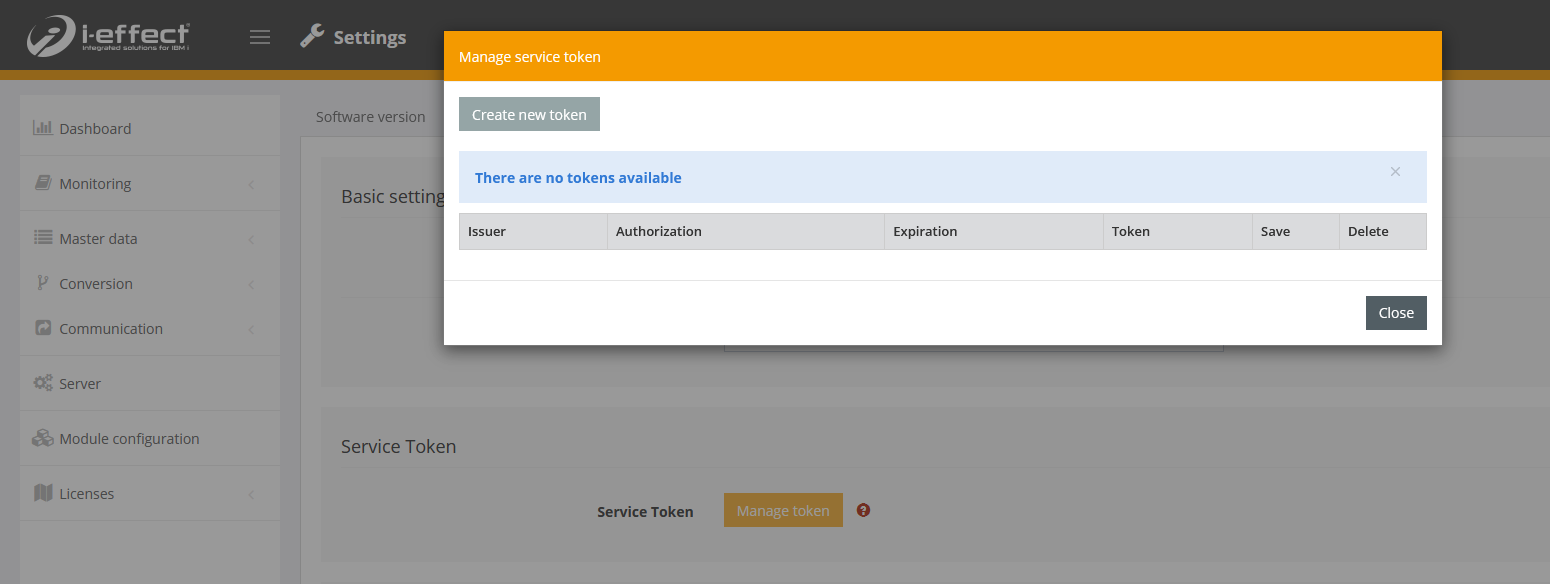
Here the selection of the function Create new token leads to the generation of a new API token.
For this function the user must have *SECADM rights.
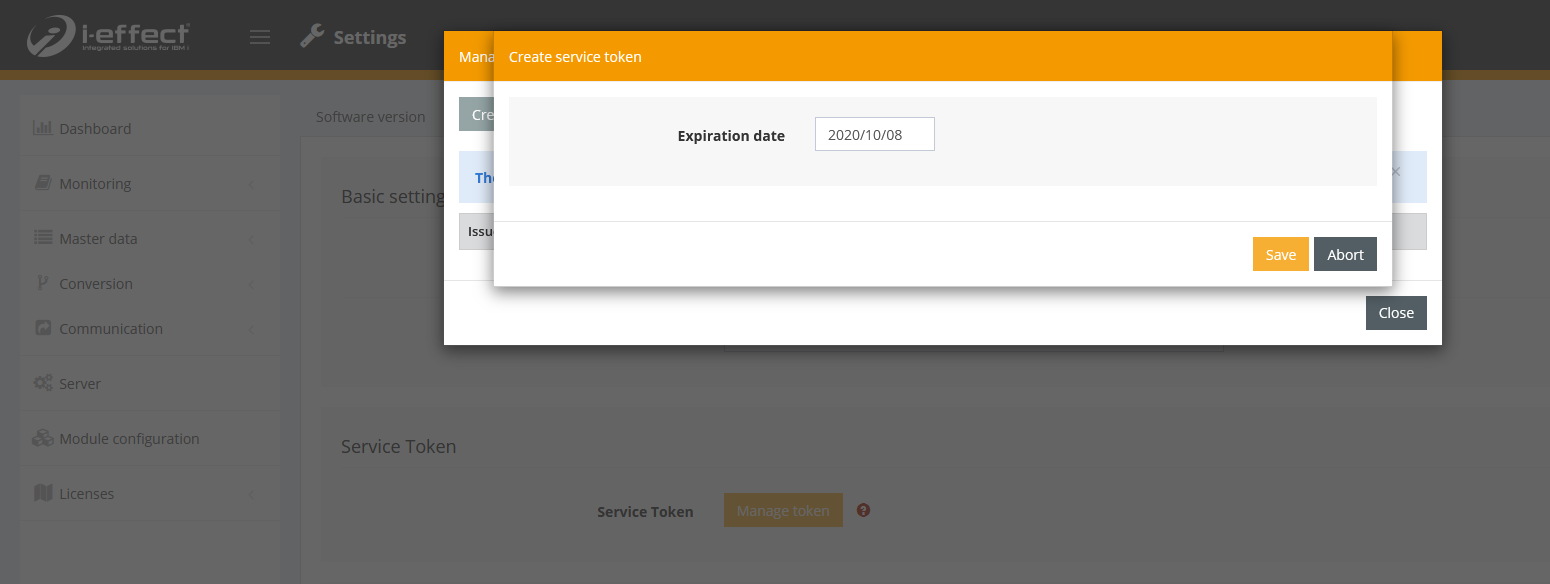
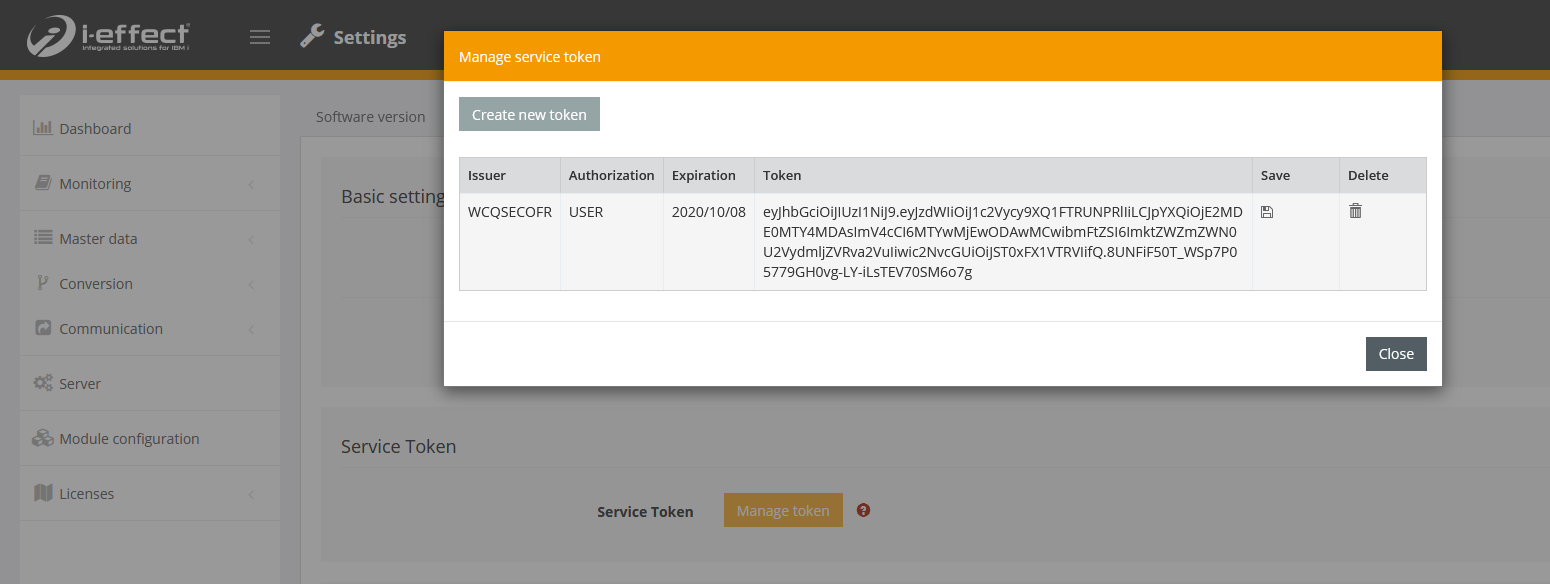
The token generated here can now be used for authentication in the application as described below.
as a parameter named authToken or in the header as X-Authorization = Bearer $token.
As parameter
The parameter authToken can be used to pass the API token as a parameter.

As HTTP header
Using the header X-Authorization, the API token can also be passed in the form Bearer $token.
