
Link Client Profiles with Partners
Once you have created the profiles, they must be linked to the relevant partners. To do this, proceed as follows.
Create partner
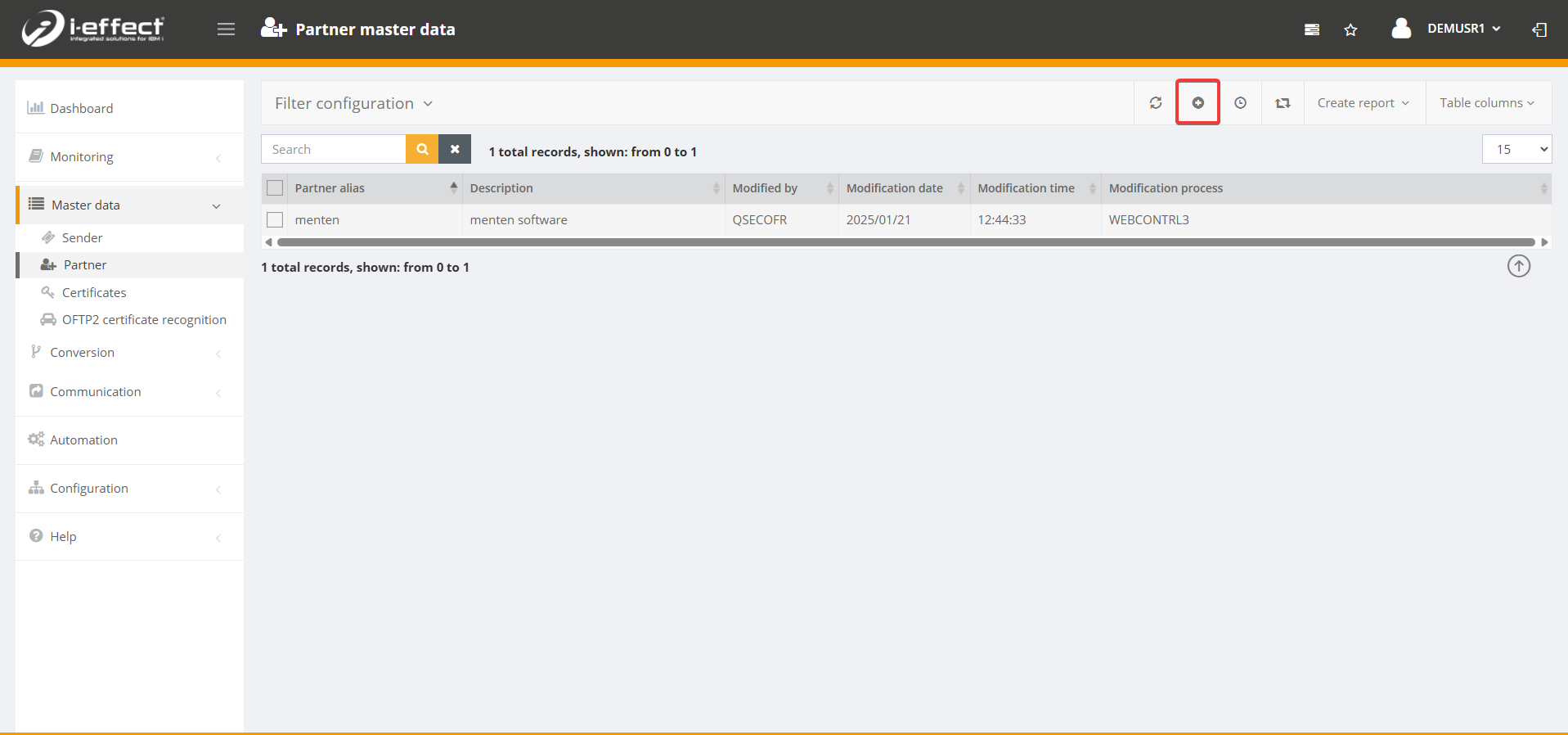
Navigate to Master data and click on Partner. Now click on the plus sign to create a new partner.
Fill in the form
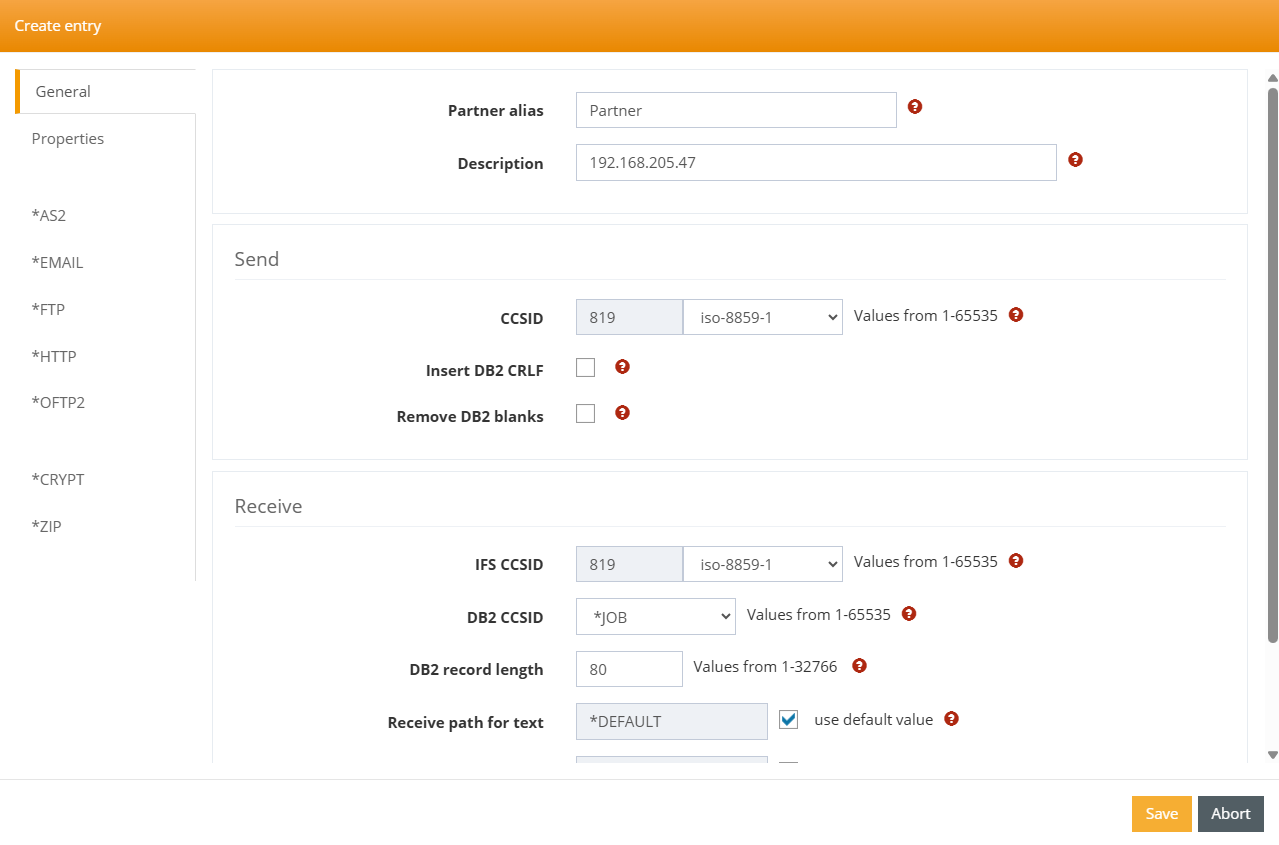
Create your new partner. In this example, the partner is called Partner.
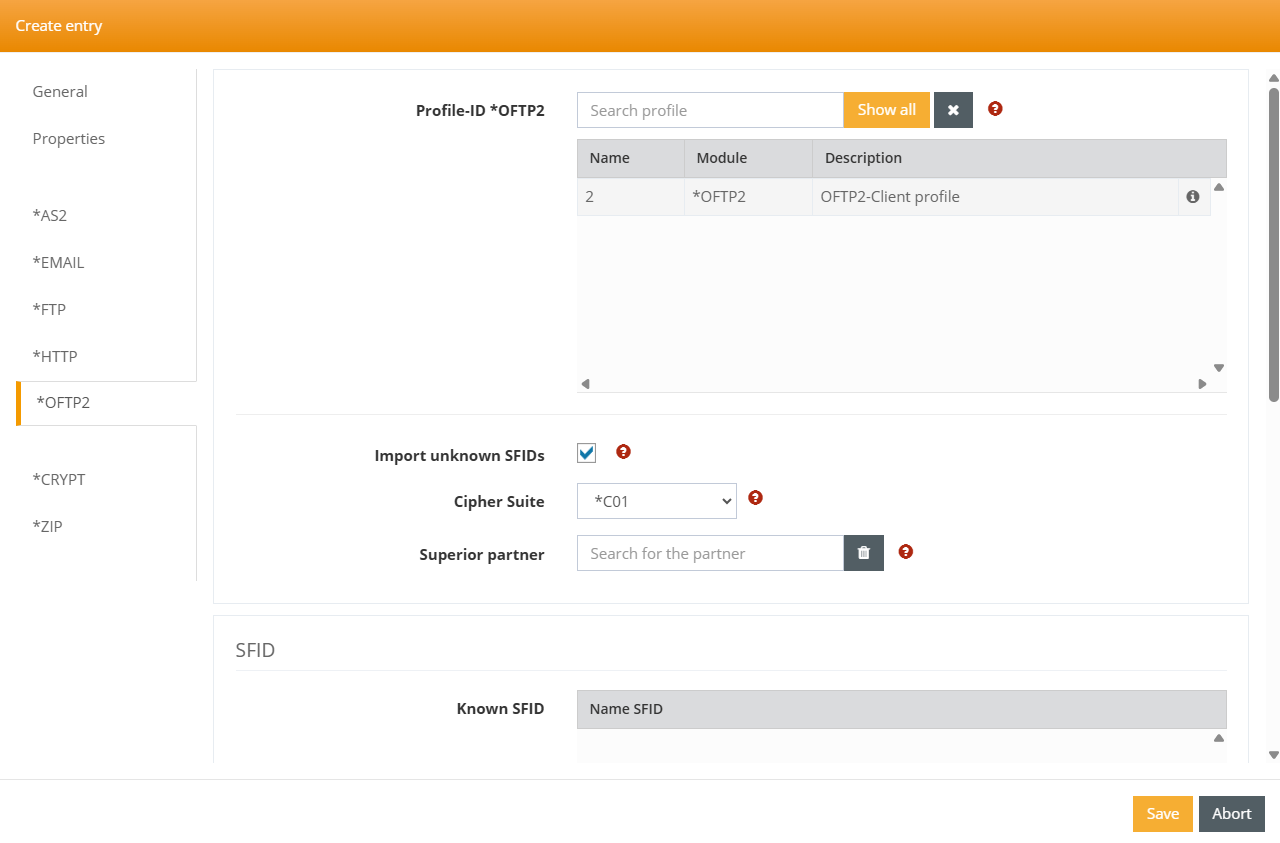
Select *OFTP2 in the mask to link the partner with an OFTP2 communication profile. Click in the Search profile field so that the Show all field appears, then select the appropriate profile.
Save your entry. The new profile has been successfully created and can be used in the next step.