
Activation of the secure OFTP-authentication (Client Profil)
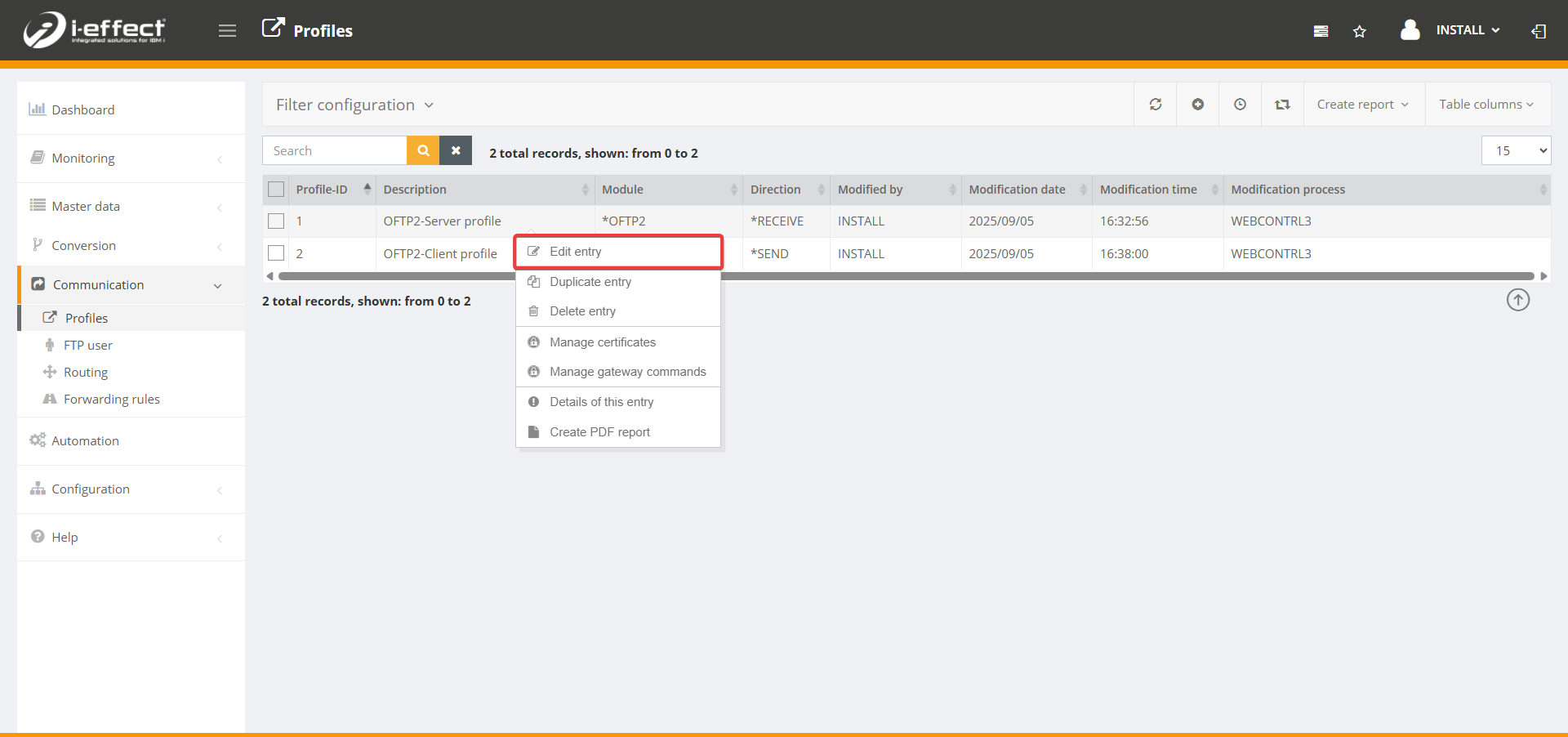
Step 1 – Edit client profile
Go to the menu item Communication → Profiles. Select the appropriate client profile (*SEND) and right-click to open the context menu, then select Edit entry.
Step 2 – Enable secure authentication
Scroll down until you reach the Secure authentication setting and enable it by ticking the box. Then click Save.